
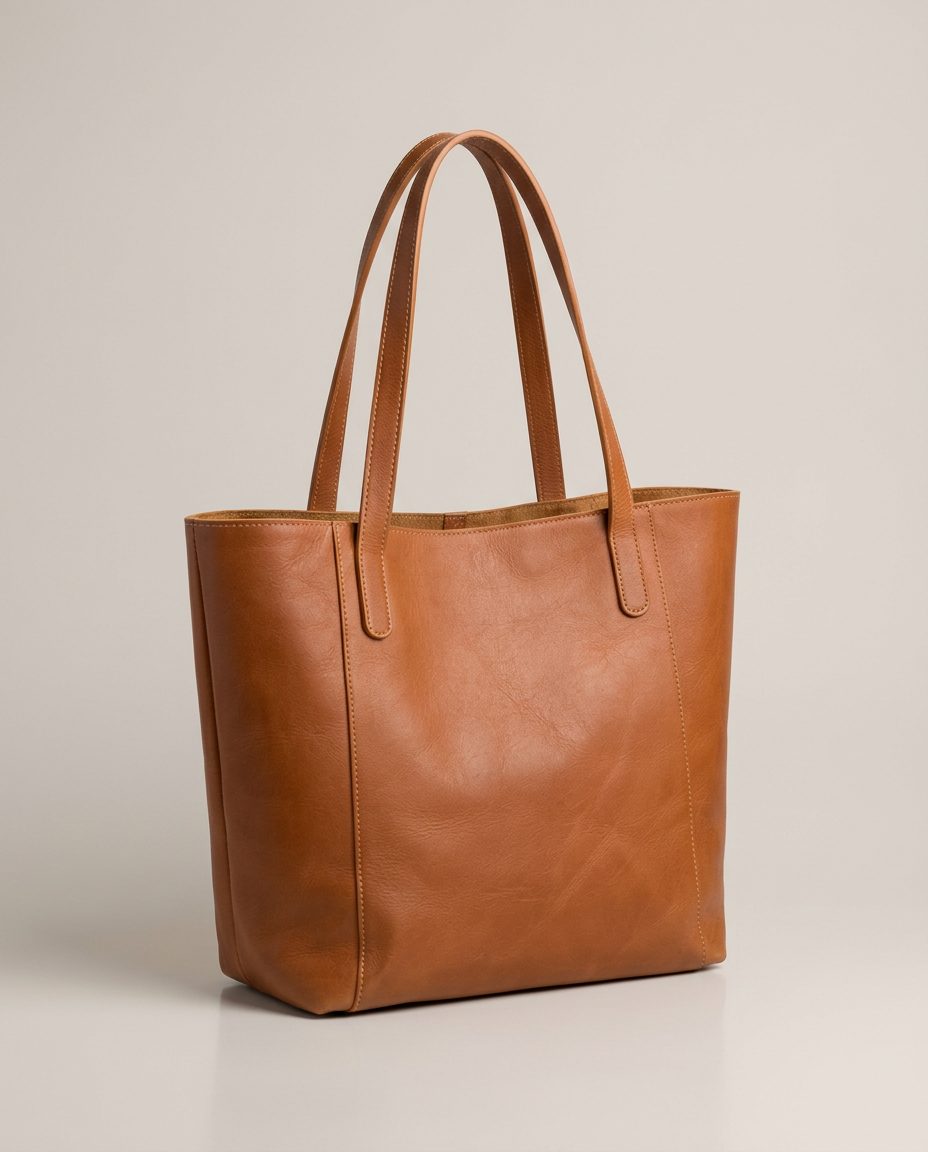
In this set: one starting photo and 3 looks made from it by SnapStudioAI: Studio, Lifestyle, On a model. The starting photo was made for this demo. Check any AI image against the real product before you list it.
Before and after


How to photograph it
- Stuff the bag with paper so it keeps its shape, and stand the handles up.
- Shoot straight on at bag height so the sides do not taper.
- Show the inside and the stitching in extra photos of your own.
- An on-model photo is the quickest way to show size. Still give the real measurements in the listing, because AI can make a bag look bigger or smaller.
More photo ideas
Questions sellers ask
How do I show the size of a bag in photos?
Show it held or worn by a person, as in the on-model example, and list the height, width and depth. A styled room with familiar objects such as a mug or book also helps.
Which bag photo should go first?
The studio shot: a clean, front-on photo of the whole bag. Put lifestyle and on-model photos after it.