
One photo, five looks
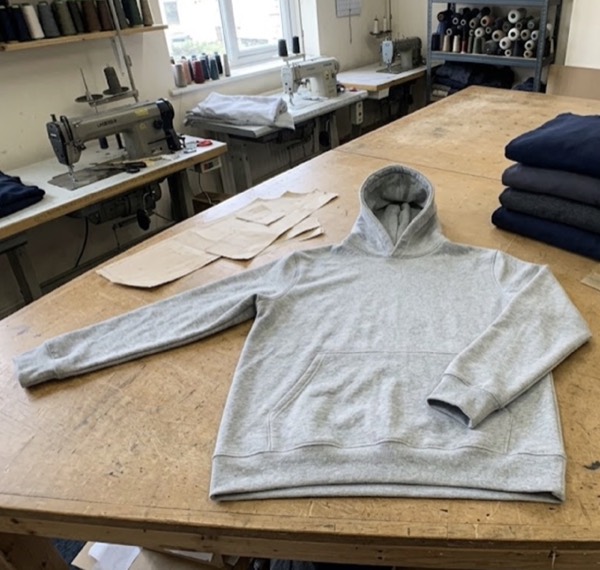
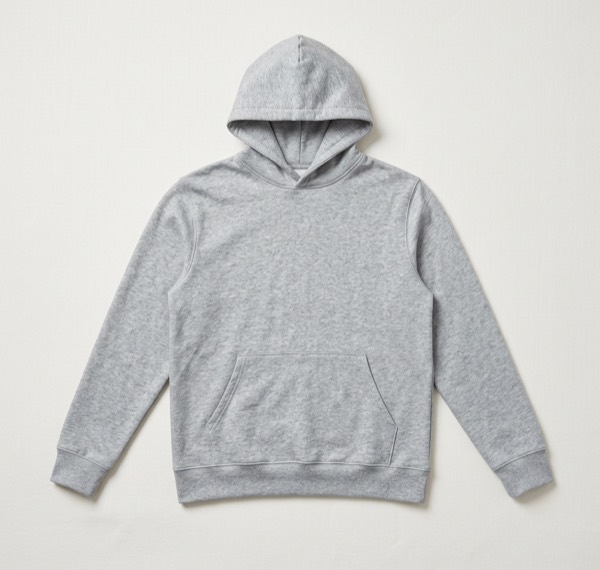
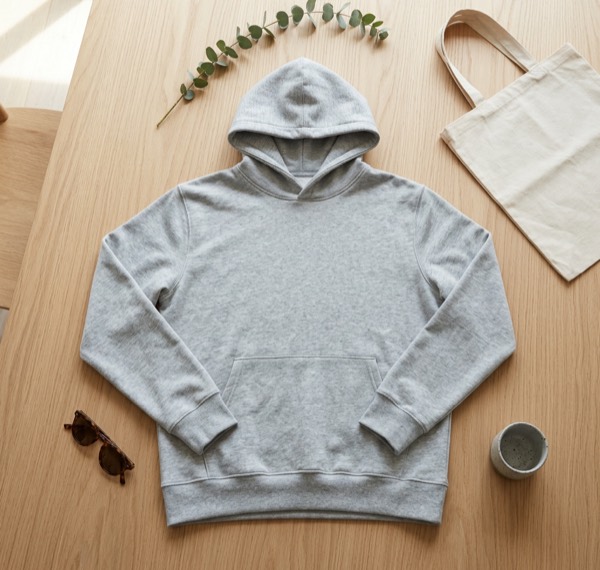
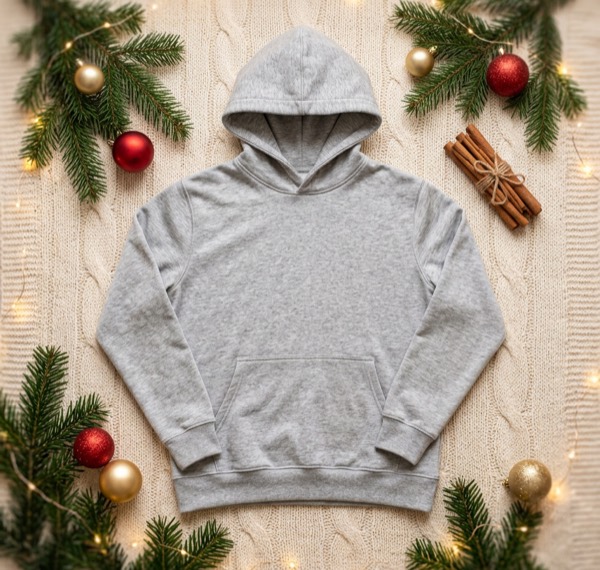
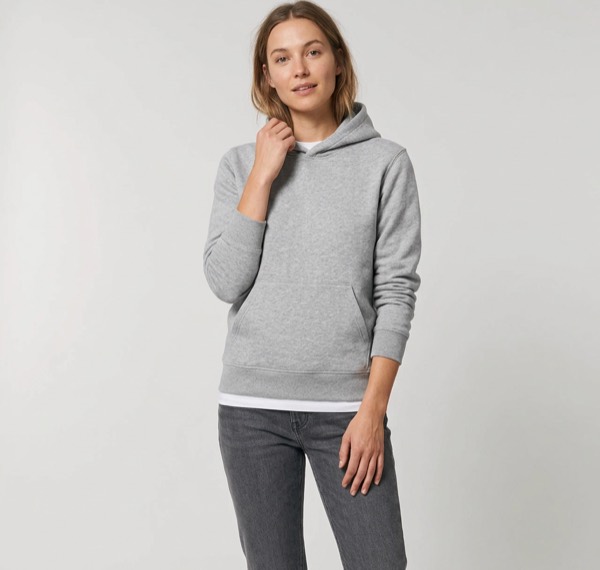
All five came from the photo on the left: a hoodie lying on a cutting table. The colour, fabric and shape stay the same. The setting changes, and the on-model image shows how it is worn.
What you get for each garment
| Look | Use it for |
|---|---|
| Studio | Shop grid, marketplace listings, Depop, Vinted and Poshmark main photos |
| Lifestyle (flat lay) | Product pages, Instagram feed, Pinterest |
| On a model | Showing fit and style without a photoshoot |
| Christmas | Gift guides and holiday posts |
Each image you keep comes as a shop listing, Instagram post (4:5), Story, Reel or TikTok (9:16) and Facebook post, with your text in your brand colour and a caption to paste.
Made for
- Small clothing brands launching new drops every few weeks.
- Boutiques selling on Instagram, TikTok Shop and Shopify.
- Resellers on Depop, Vinted and Poshmark who want a cleaner first photo.
Take a good starting photo
A steamed garment, laid flat or hung on a plain wall, in daylight. Step by step: how to photograph clothes without a model.
Questions sellers ask
Does the on-model look keep my design?
It is built to keep the garment’s colour, fabric, print and details. AI can still get small details wrong, like a logo or stitching, so check each image and keep only the right ones.
Which clothing works best?
Tops, T-shirts, hoodies, knitwear, jackets and dresses. Photograph the whole garment flat or on a hanger, in daylight, without creases.
Can I choose the model?
You can describe the look you want, such as age range, style or setting, in your own idea. Results vary, so make a few and pick the best.