
Short answer: pure white background (RGB 255, 255, 255), the product filling about 85% of the frame, only the product you are selling, no text, logos, borders or watermarks, and at least 1,000 pixels on the longest side. These rules are for the main image. Your other images can show the product in use, in a room or on a model.
Main image checklist
| Rule | What Amazon asks for |
|---|---|
| Background | Pure white, RGB 255, 255, 255. Off-white, cream or light grey can be rejected. |
| Product fill | The product fills about 85% of the image. |
| Content | Only the product being sold, with the included accessories. No props that could confuse the buyer. |
| Text and graphics | None on the main image: no text, logos, badges, borders, colour blocks or watermarks. |
| Size | At least 1,000 px on the longest side for zoom. Many sellers use 1,600–2,000 px. Maximum 10,000 px. |
| Format | JPEG is preferred; TIFF, PNG and non-animated GIF are accepted. |
| Accuracy | A professional photo of the actual product, not a drawing, mockup or placeholder. In focus, evenly lit, true colours. |
Based on Amazon’s product image requirements in Seller Central, checked October 2026. Some categories (apparel, shoes, jewellery) have extra rules in their style guides, and those win. Check your category’s guide in Seller Central before you upload.
Additional images: where you sell the lifestyle
Amazon gives you several more image slots after the main image, and these don’t need a white background. Use them to answer the questions a shopper would ask in a store:
- How big is it? Show it in a room, on a person or next to a familiar object.
- What is it like up close? A detail of the fabric, wood grain, stitching or finish.
- How does it look in use? A lifestyle shot: the chair at a table, the hoodie being worn.
- What are the options? The other colours or sizes, each clearly labelled in the listing.
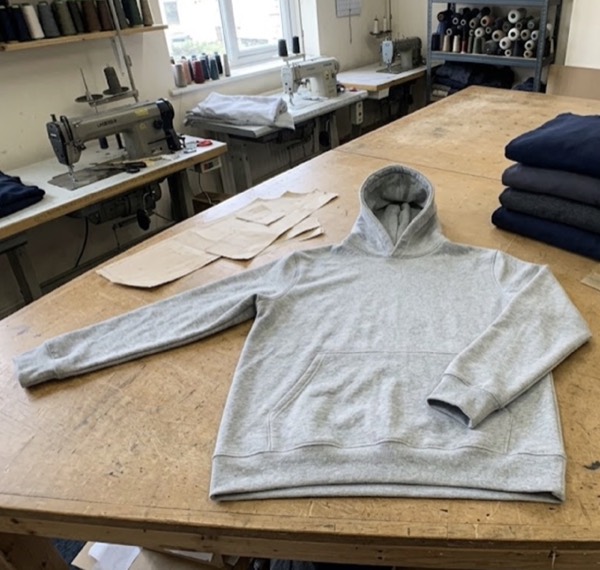
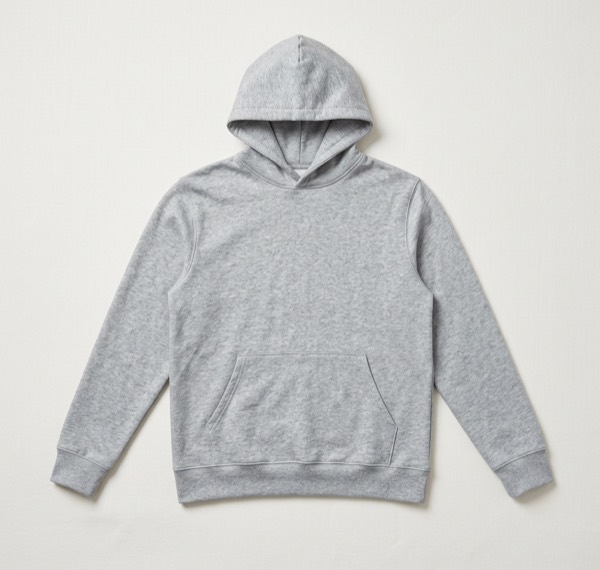
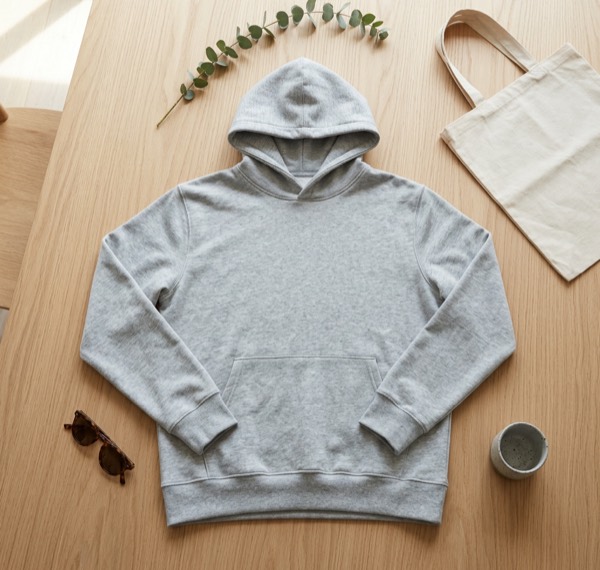
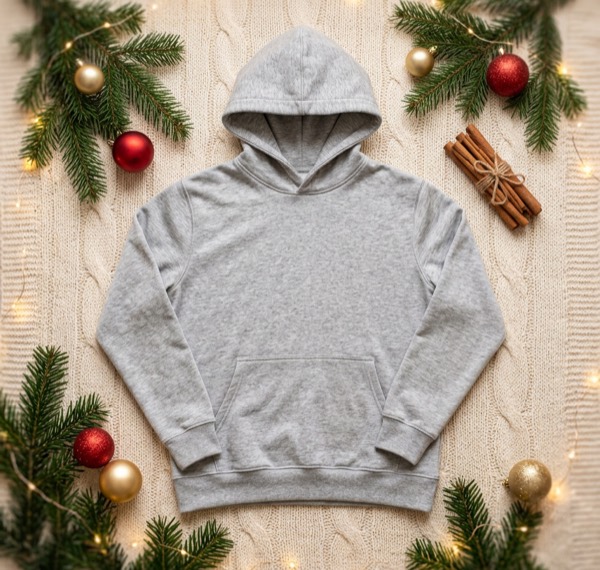
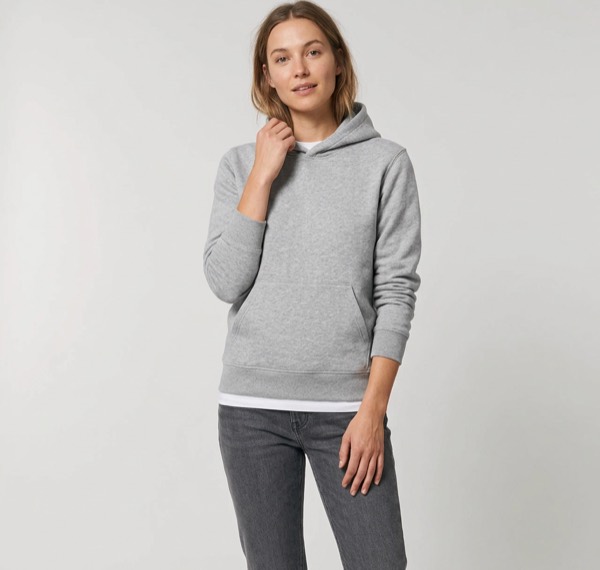
All of these were made from one photo of a hoodie on a cutting table. The Studio look is close to an Amazon main image. Before you upload it, check the background is pure white (see below). The lifestyle, Christmas and on-model images work as additional images.
How to check your background is pure white
- Open the image in any editor with a colour picker (Photoshop, GIMP, Photopea, or Preview on a Mac).
- Click the background in four or five places, especially the corners and near the product.
- Every point should read 255, 255, 255. A reading like 250, 250, 250 looks white on screen but can fail the check.
- If it isn’t pure white, use a “levels” or “curves” adjustment to push the background to white, or cut the product out and place it on a white canvas.
Why main images get suppressed
- Background that is almost white but not RGB 255.
- Text such as “Best seller”, “Free shipping” or a size chart on the main image.
- A logo, watermark or border added to the image.
- The product too small in the frame, or cut off at the edges.
- Extra items in the photo that the buyer won’t receive.
- A drawing or placeholder instead of a real image of the product.
Shooting the photo you start from
You don’t need a studio. Put the product near a window in daylight, keep the camera at the product’s height, and fill most of the frame with it. A plain wall or sheet behind it makes cutting it out easier. Our guides on photographing furniture and photographing clothes without a model go step by step.
Questions sellers ask
Does the Amazon main image have to be pure white?
Yes. Amazon asks for a pure white background, RGB 255, 255, 255. Off-white, light grey or cream backgrounds can get the image rejected or the listing suppressed. Your other images can use any background.
What size should Amazon product images be?
At least 1,000 pixels on the longest side, which turns on zoom. Many sellers use 1,600 to 2,000 pixels for a sharper zoom. The longest side can be up to 10,000 pixels.
Can I use lifestyle photos on Amazon?
Yes, as additional images. Only the main image must be on white. Lifestyle shots in a room or on a model help shoppers picture the product, so use them in the other image slots.
Can I use AI-made product images on Amazon?
Keep the main image a real photo of the product on pure white. For the additional images, a styled room or on-model scene made from your real photo is a good way to show the product in use, as long as the product itself is unchanged and the scene doesn’t suggest the buyer gets items that aren’t included.
Why was my Amazon main image suppressed?
The most common reasons are a background that is not pure white, text or a logo on the image, a watermark or border, the product filling too little of the frame, or extra items that are not included in the sale.