
Short answer: upload the product photos you already have, make a clean shot and a styled scene of each best seller, then turn them into sale posts with your discount on the image. Start teasing in early November and post every day from Thanksgiving (26 November) to Cyber Monday (30 November).
Black Friday 2026 dates
| Day | Date | What to post |
|---|---|---|
| Teaser week | 2–13 November | “Something’s coming” posts of your best sellers, “Join the list” for early access |
| Announce | 16–25 November | The deal itself: what’s off, how much, when it ends |
| Thanksgiving | Thursday 26 November | Early access for your list or followers |
| Black Friday | Friday 27 November | Your main sale post, plus Stories through the day |
| Small Business Saturday | Saturday 28 November | Who makes your products and why buying small matters |
| Cyber Monday | Monday 30 November | “Last day” posts, then a thank-you |
Start with good product photos
A sale post is only as good as the photo under it. Make a clean version for the deal tile and a styled version that shows the product in a home or outfit, so the post works even before people read the discount.



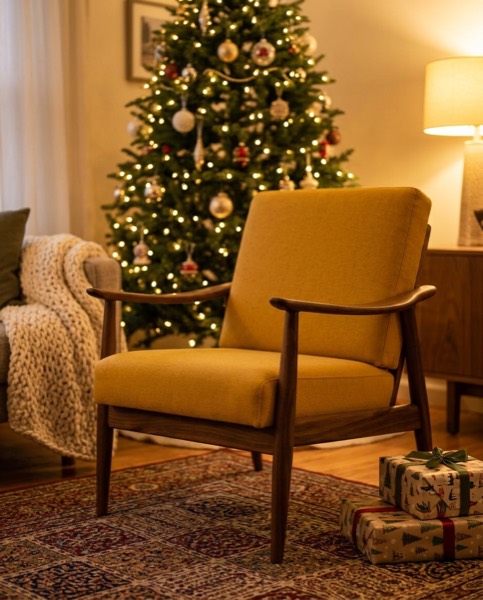
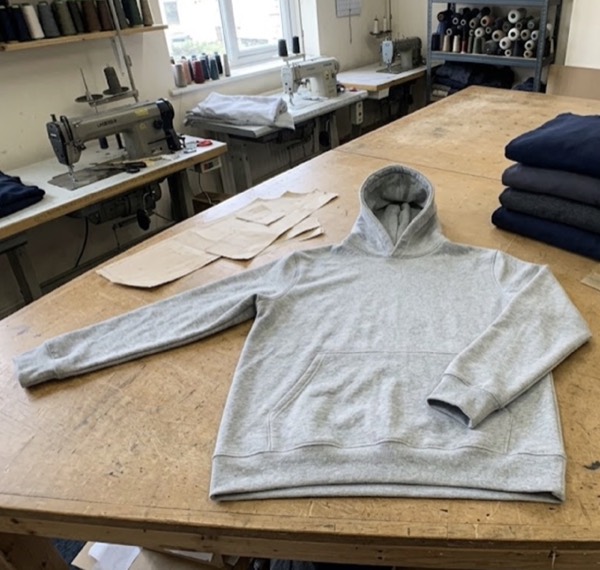
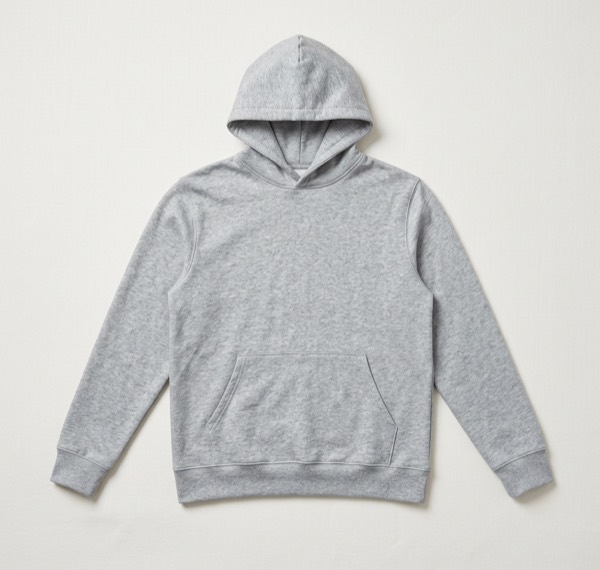
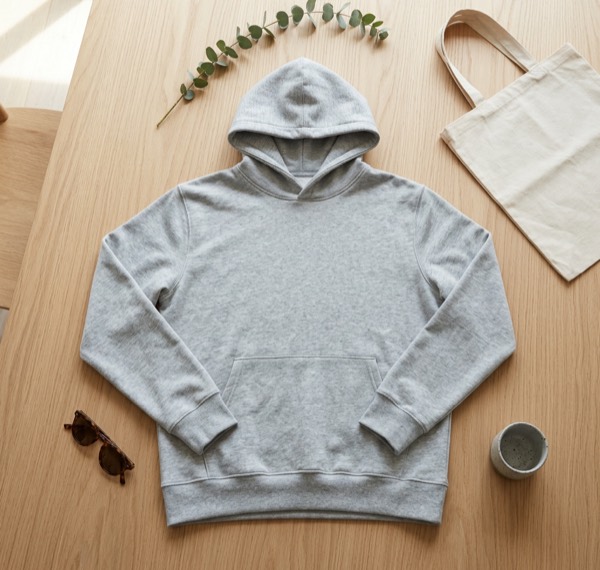
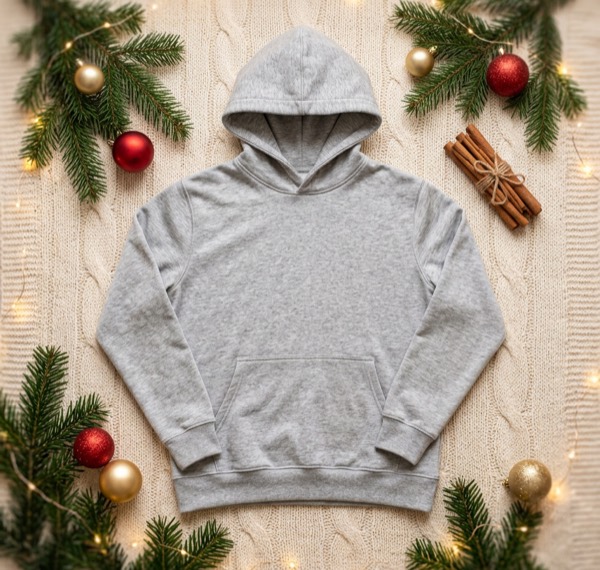
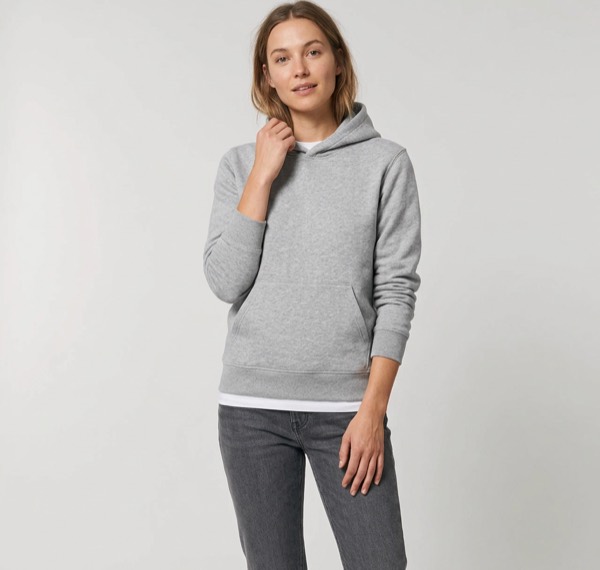
Each set was made from the single phone photo on the left. The product stays the same; only the setting and light change.
Post sizes for Black Friday
| Where | Size | Shape |
|---|---|---|
| Instagram feed | 1080 × 1350 px | 4:5 portrait |
| Stories, Reels, TikTok | 1080 × 1920 px | 9:16 tall |
| 1080 × 1080 px | Square | |
| Shop listing or banner tile | 1200 × 1200 px | Square |
On Stories and TikTok, keep your discount text away from the top and bottom 250 px, where the app puts its own buttons and captions.
What to put on a sale post
- One product, one number. “30% off” or “$49 this weekend” reads in a second; a list of conditions doesn’t.
- An end date. “Ends Monday” gives people a reason to buy now.
- Your brand colour on the sale band, so people recognise your posts as they scroll.
- The real price in the caption as well as on the image, for people using screen readers and for search.
How to make Black Friday posts with SnapStudioAI
- Upload a photo of each product you’re putting on sale. Up to 10 at a time.
- Pick the looks you want: studio, lifestyle, Christmas, or on a model for clothing.
- On the Posts step, choose the Gift band or Price layout, change the words to your deal, and pick where you’re posting.
- SnapStudioAI writes the caption and hashtags. Edit them, then download every size.
After Cyber Monday
Keep the styled photos. The same images work for your Christmas gift guide in December. See Christmas product photos for a December posting plan.
Questions sellers ask
When is Black Friday 2026?
Friday 27 November 2026, the day after Thanksgiving (26 November). Small Business Saturday is 28 November and Cyber Monday is 30 November.
When should I start posting Black Friday deals?
Start teasing in the first or second week of November, announce the deal the week before, then post every day from Thanksgiving to Cyber Monday. Many shoppers make their lists early.
What size should Black Friday posts be?
Use 1080 × 1350 (4:5) for Instagram feed posts, 1080 × 1920 (9:16) for Stories, Reels and TikTok, 1080 × 1080 for Facebook and 1200 × 1200 for most shop listings. SnapStudioAI makes all four from one image.
Can I put my discount on the image?
Yes. On the Posts step choose the Gift band or Price layout, change the words to something like “30% off this weekend”, and pick your brand colour. SnapStudioAI writes the caption and hashtags too, and you can edit them.
Do I need a new photoshoot for Black Friday?
No. Upload the photos you already have. You can make a clean studio shot, a styled room or flat lay, and a Christmas scene from the same photo, then turn any of them into sale posts.