
Short answer: upload the product photos you already have, choose the Christmas look, and post festive images and “Gift idea” posts from early November through your last shipping date.
Christmas furniture photos

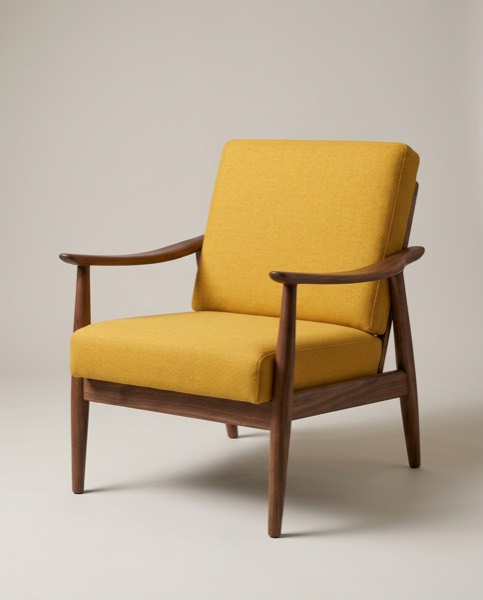

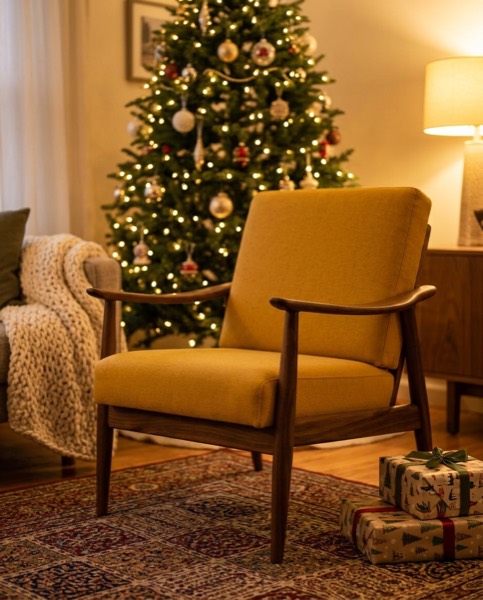
The armchair beside a lit tree with gifts was made from the same workshop photo as the studio and room shots.
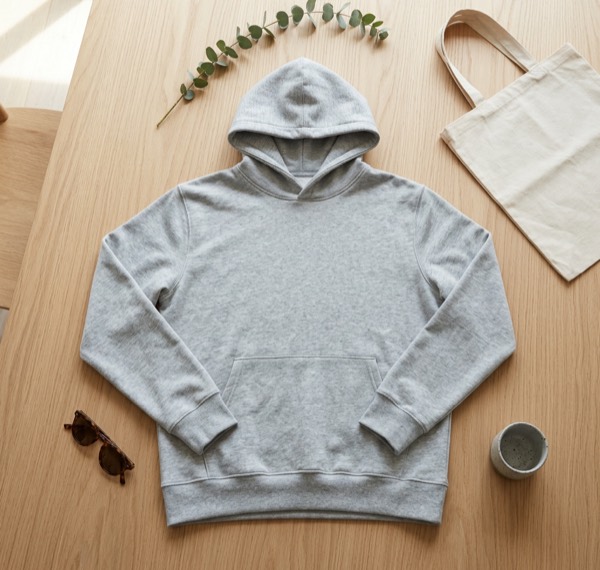
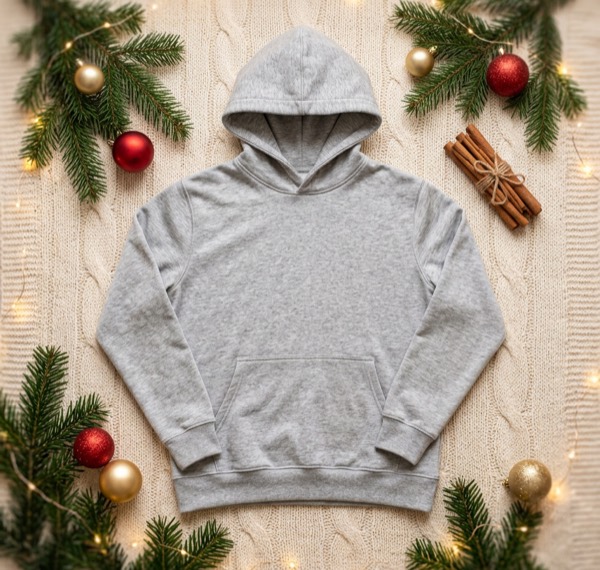
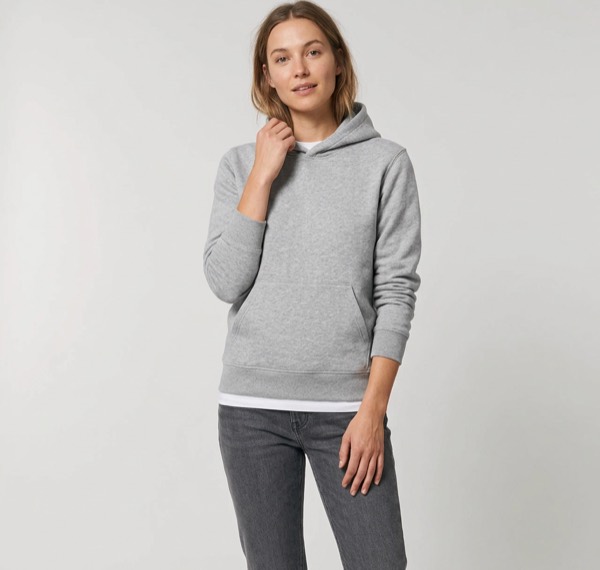
Christmas clothing photos
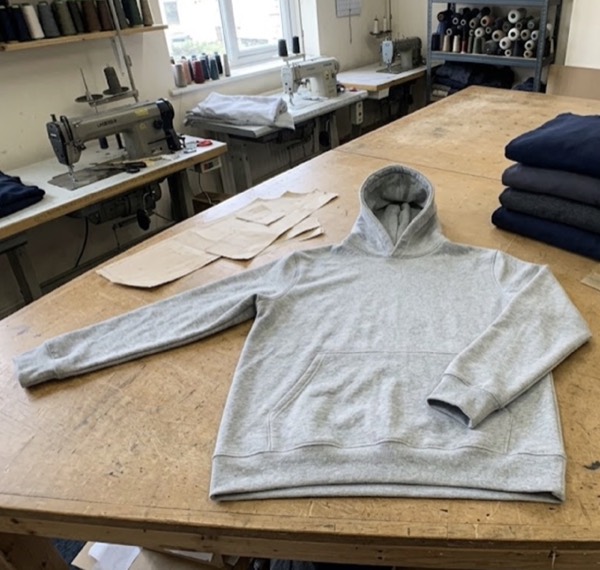
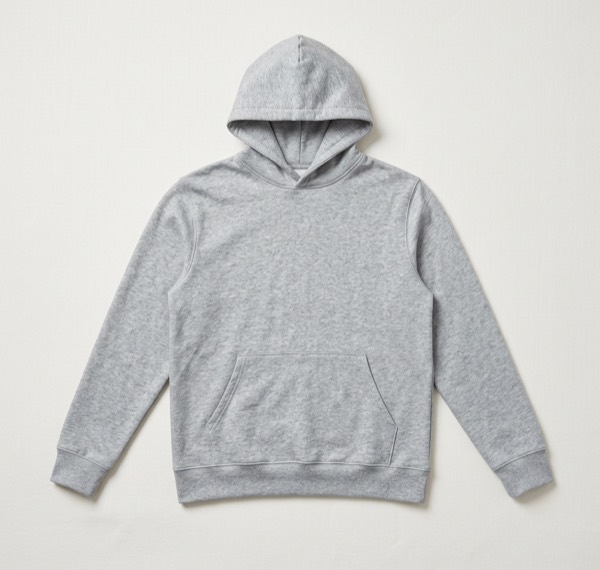
A simple holiday posting plan
| When | Post |
|---|---|
| Early November | Christmas looks of your best sellers, “Gift idea” text, links to your gift guide |
| Black Friday week | Sale posts with your discount on the image and in the caption |
| Early December | Gifts by price (“under $50”) and by person, Story and Reel sizes |
| A week before your last shipping date | “Order by …” reminder posts |
| After the last shipping date | Gift cards and local pickup |
Tips for festive product photos
- Keep the product the hero. Decorations should frame it, not hide it.
- Use warm light and a few classic props (tree, wrapped gifts, a knit blanket) rather than lots of tinsel.
- Keep one non-festive photo in every listing so it still works in January.
- Make a square version for your shop and a 9:16 version for Stories and TikTok from the same image.
Questions sellers ask
When should I post Christmas product photos?
Start in early November so your posts are up for gift guides and Black Friday, and keep posting until your last shipping date.
Do I need new photos for Christmas?
No. Upload the photos you already have and choose the Christmas look. The product stays the same and the setting becomes festive.
Can I add “Gift idea” or a sale tag?
Yes. On the Posts step you can add “New in”, a sale tag, a price or your own headline in your brand colour, and SnapStudioAI writes the caption.