
Short answer: make listing photos at least 2000 × 2000 pixels (or 2000 px on both sides in a 4:3 shape), make sure the first photo is at least 635 px each way, and keep files around 1 MB or less so they upload reliably. There is no white background rule on Etsy.
Etsy photo sizes
| What | Size | Why |
|---|---|---|
| Listing photos | 2000 px or more in width and height | Etsy’s recommendation; stays sharp when buyers zoom |
| First photo (thumbnail) | At least 635 × 635 px | Smaller first photos can show up lower in search |
| Shape | Square (2000 × 2000) or landscape 4:3 (e.g. 2700 × 2025) | Search and shop grids crop thumbnails; keep the product centred |
| File size | About 1 MB or less | Etsy notes larger files may not finish uploading on slow connections |
| Format | JPG or PNG | JPG at 80–90% quality keeps photos small and sharp |
From Etsy’s Help Center article “Requirements and Best Practices for Images in Your Etsy Shop”, checked October 2026. The 4:3 shape is common seller practice, not an Etsy requirement.
What to put in each photo slot
- First photo: the whole product, centred, on a clean background or in a simple setting. This is the one that shows in search, so it has to read at thumbnail size.
- Lifestyle: the product in use, so buyers can see the style and scale: the chair in a living room, the hoodie being worn.
- Detail: a close-up of the material, finish or print.
- Scale: next to a person or a familiar object, or with the size written in the description.
- Variations: each colour or option you offer.
- Back and sides, plus the label, packaging or anything that makes it special (handmade marks, gift wrap).
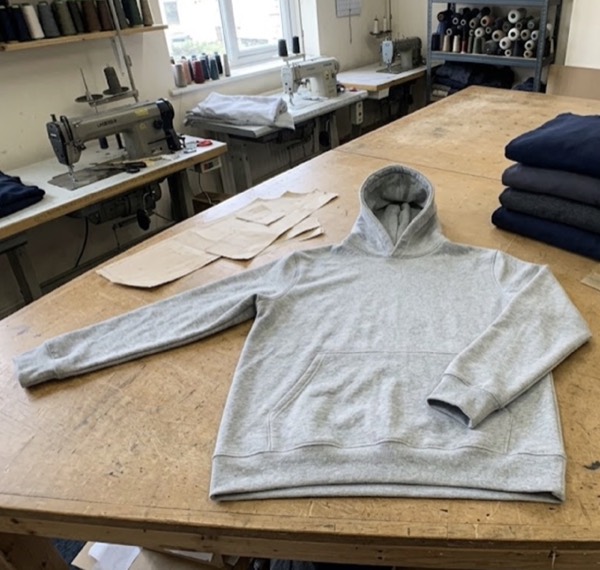
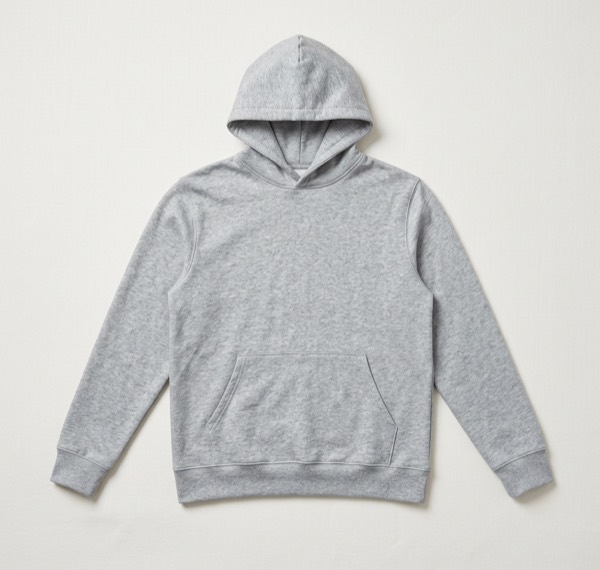
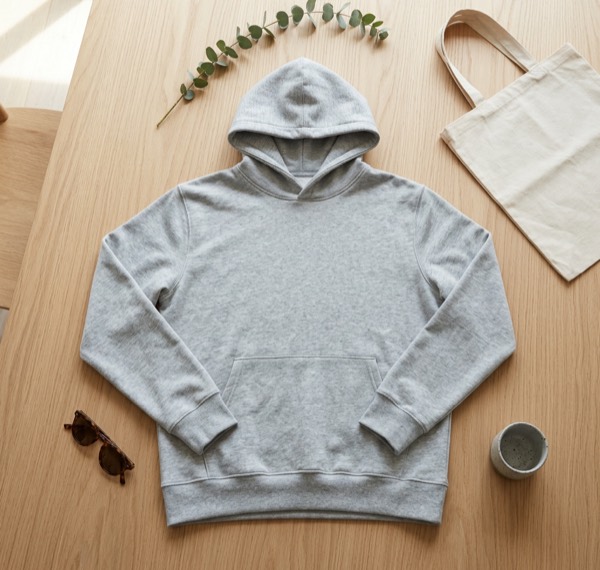
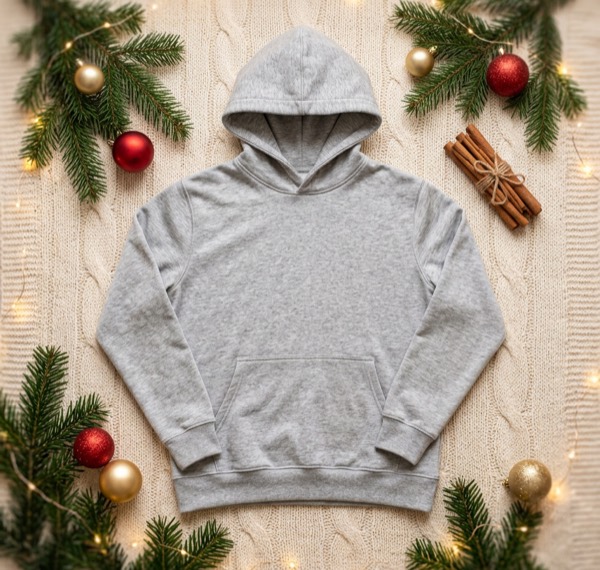
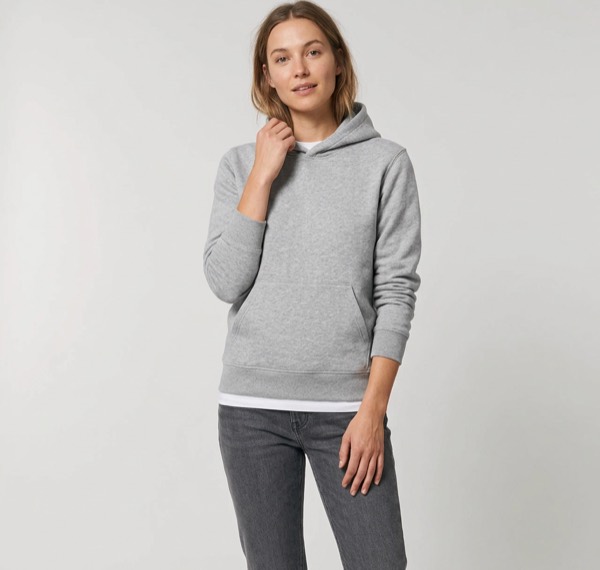
One photo of a hoodie, five listing images. A clean first photo, a flat lay, a seasonal scene and an on-model shot cover most of the slots above.
Making your first photo stand out in search
- Use the same background and light across all your listings, so your shop page looks consistent.
- Fill most of the frame with the product, with a little space around it so the square crop doesn’t cut it off.
- Avoid text on the first photo. It is hard to read at thumbnail size and makes the listing look like an ad.
- Test a lifestyle first photo against a plain one. For furniture and home goods, a room setting often gets more clicks; for small items, a clean background often wins.
Etsy and AI-edited photos
Etsy expects listing photos to show the actual item a buyer will receive. A styled setting made from your real photo is a quick way to show the item in use. Keep the product itself exactly as it is (same colours, details and proportions), and don’t add anything the buyer won’t get.
Questions sellers ask
What is the best photo size for Etsy?
Etsy recommends at least 2000 pixels in both width and height. A square 2000 × 2000 or a 4:3 image such as 2700 × 2025 works well and stays sharp when shoppers zoom.
What is the minimum size for an Etsy thumbnail?
The first listing photo should be at least 635 pixels wide and tall. Smaller first photos can appear lower in Etsy search results.
Why do my Etsy photos fail to upload?
Etsy notes that images larger than 1 MB may not finish uploading on slower connections. Save as JPG at around 80–90% quality to keep files small.
Does Etsy need a white background?
No. Unlike Amazon, Etsy has no white background rule. Many top shops use a clean first photo and lifestyle shots after it to show scale and style.
Can I use AI images on Etsy?
Etsy requires that listing photos show the actual item you are selling. An AI-made setting is fine when the product itself is your real item and unchanged. Don’t use AI to show features, colours or details the item doesn’t have.