
Short answer: steam the garment, lay it flat on a plain surface near a window, shape it so it looks worn, and shoot straight down from above with the phone parallel to the floor. Then make on-model and lifestyle versions from that one photo.
Three ways to shoot clothes without a model
| Method | You need | Best for | Effort |
|---|---|---|---|
| Flat lay | A plain sheet, card or floor; a window | T-shirts, hoodies, knitwear, kidswear, accessories | Low |
| Hanging | A nice hanger, a hook on a plain wall | Dresses, shirts, jackets, anything with drape | Low |
| Ghost mannequin | A mannequin, two photos per garment, editing | Structured pieces, premium brands | High |
How to shoot a flat lay, step by step
- Prepare the garment. Steam or iron it, remove tags you don’t want to show, and use a lint roller. Creases and fluff are far more visible on camera.
- Choose the surface. A plain sheet, a large piece of card, a wooden floor or a bed with a white duvet. Matte beats shiny.
- Find the light. Put the surface near a big window with daylight coming from one side. No flash, no ceiling lights.
- Shape it. Fold the sleeves slightly in or bend them at the elbow, tuck the sides in a little at the waist, and put tissue paper inside to give the body some shape.
- Shoot from directly above. Stand on a sturdy chair and keep the phone flat, parallel to the garment, so it doesn’t look like a trapezoid. Turn on the grid to check.
- Take the details. The fabric up close, the label, the print, buttons or zips, and the back.
Turning one flat photo into a full set
Shoppers want to see how clothes look worn, but a model shoot for every new product costs hundreds. A practical middle way: shoot a clean flat lay or hanging photo yourself, then make the on-model, lifestyle and seasonal versions from it.
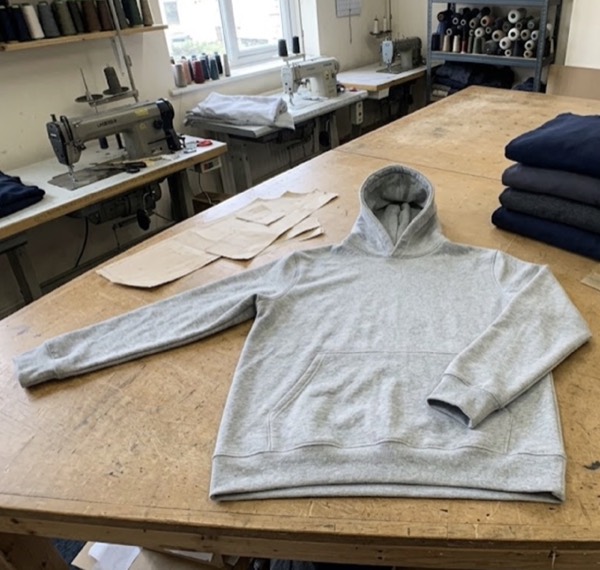
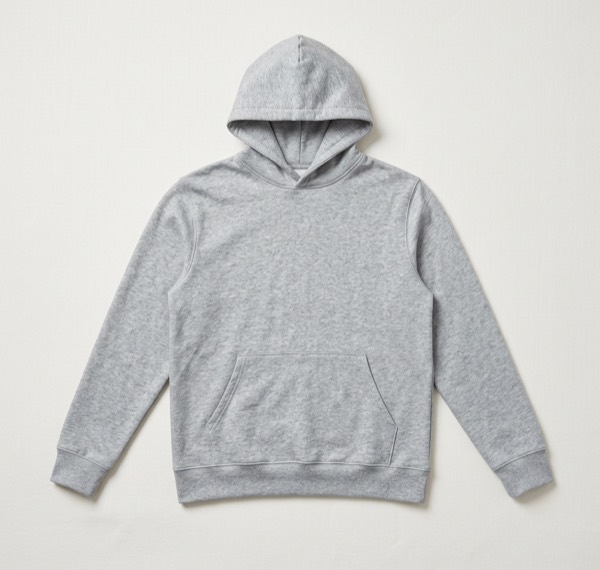
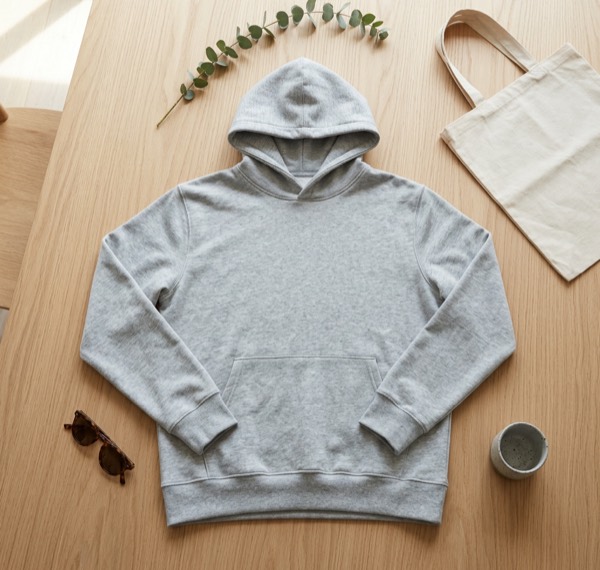
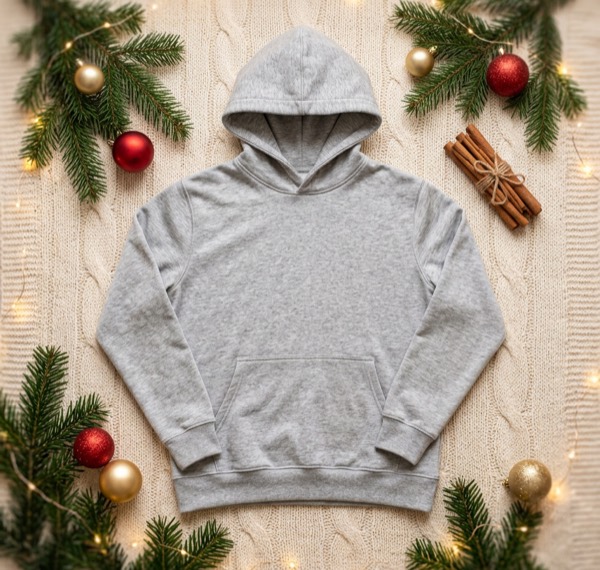
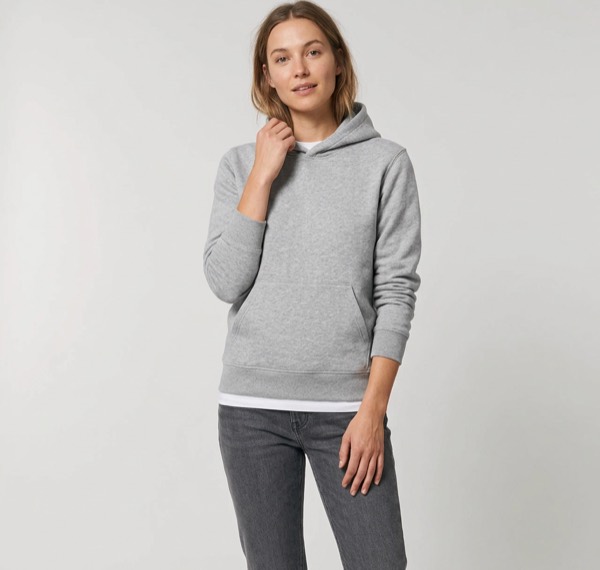
All five images come from the one photo on the left, a hoodie lying on a cutting table. The on-model image was made by SnapStudioAI without a photoshoot.
Check every result. AI is good at keeping colour and shape, but can get small things wrong, like a printed logo, stitching or the number of buttons. Keep only the images that match your garment exactly, because buyers will compare.
Tips that make clothing photos sell
- Use the same background and light for every product so your shop page looks like a collection.
- Show the true colour. If a photo looks off, describe the colour clearly in the listing too.
- Add a measurement photo or table: pit to pit, length, sleeve.
- For Instagram, use portrait 4:5 (1080 × 1350). For Stories, Reels and TikTok, use 9:16 (1080 × 1920).
Questions sellers ask
What is the easiest way to photograph clothes at home?
A flat lay: the garment on a plain sheet, card or floor near a window, shot from directly above. It needs no model, mannequin or stand.
How do I make a flat lay look less flat?
Tuck the sides in a little at the waist, bend the sleeves slightly, and push a little tissue paper inside so the fabric has some shape.
Is a ghost mannequin worth it?
It looks professional but takes a mannequin, editing time and practice. For most small shops a clean flat lay plus an on-model image works as well.
Can I get on-model photos without a model?
Yes. SnapStudioAI can turn a flat photo of a top, hoodie, dress or jacket into an on-model image. Check the result keeps the fabric, colour and details, and keep the ones that do.