
One photo, every look
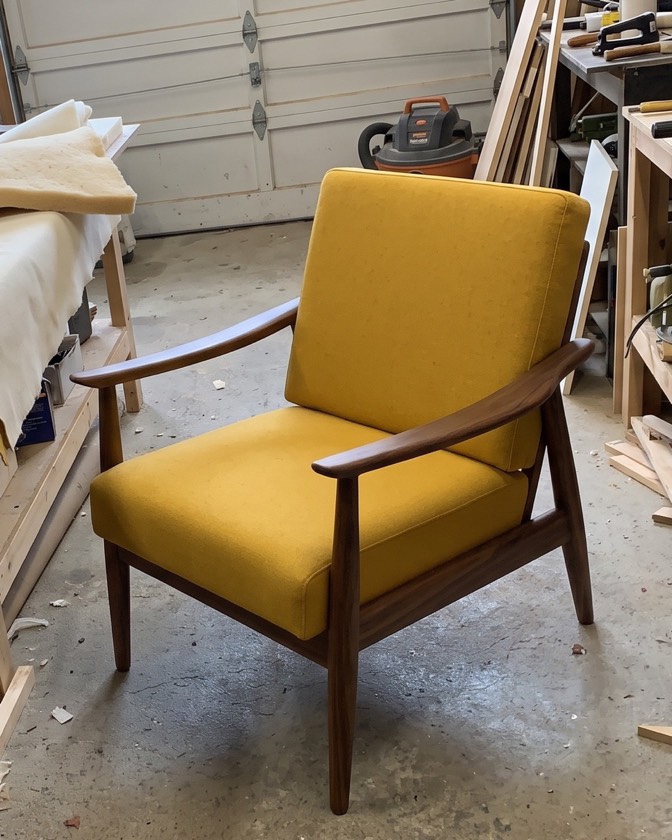
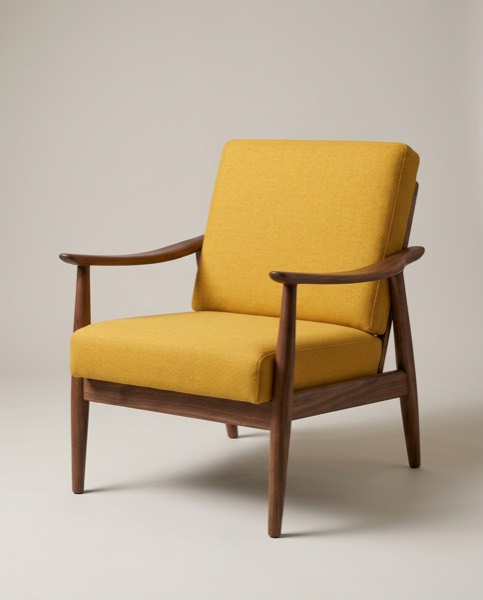
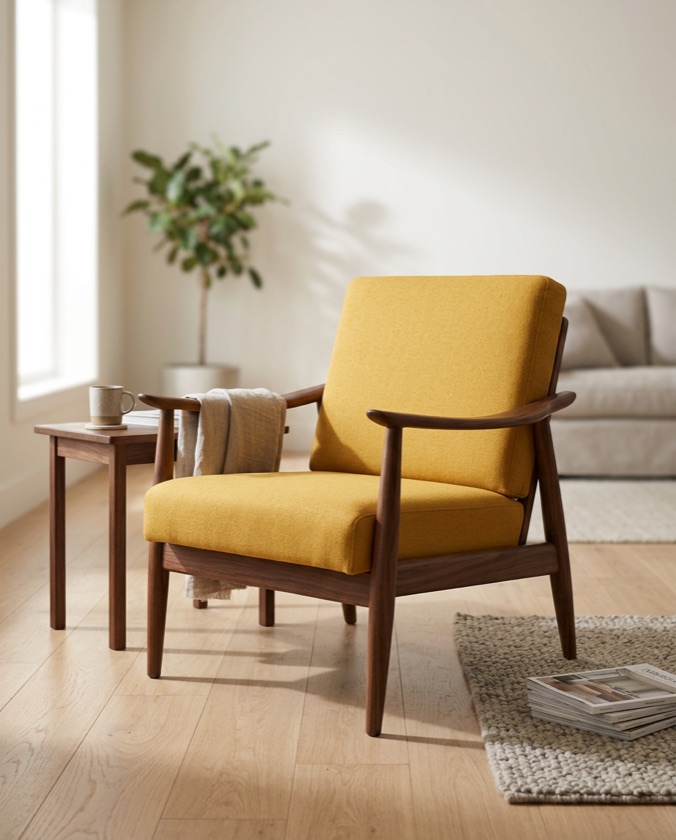
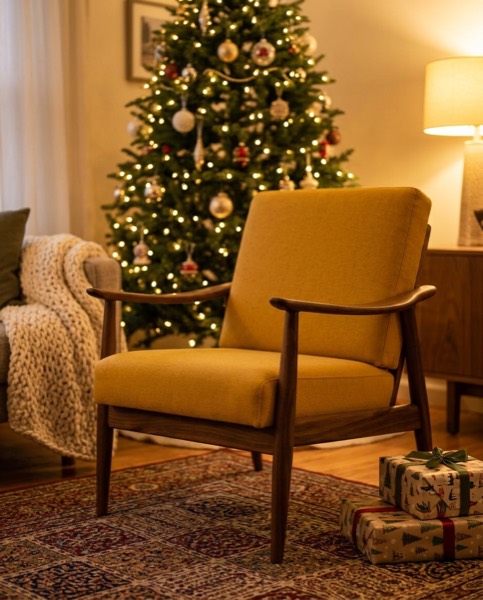
Every image above came from the workshop photo on the left. The chair keeps its shape, wood and seat colour. Only the setting and the light change.
What you get for each piece
| Look | Use it for |
|---|---|
| Studio | Shop grid, marketplace main photo, catalogues and wholesale line sheets |
| Lifestyle | Your homepage, product pages, Instagram and Pinterest |
| Christmas | November and December posts, gift guides, holiday banners |
| Your own idea | Type a setting, e.g. “Scandinavian dining room with oak floor” |
Each image you keep is sized for a shop listing (1200 × 1200), an Instagram post (1080 × 1350), a Story, Reel or TikTok (1080 × 1920) and a Facebook post (1080 × 1080), with optional “New in”, price or sale text and a caption written for you.
Made for
- Makers and small furniture shops photographing new pieces in the workshop.
- Flippers and resellers on Facebook Marketplace, Craigslist, Kijiji and Gumtree who want listings that stand out. See Marketplace photo tips.
- Online stores on Shopify, Etsy and Wayfair that need consistent product images. See the Shopify image size guide.
How to take the starting photo
Daylight, the phone at seat height, the whole piece in the frame and nothing in front of it. That’s all. The full checklist is in how to photograph furniture for sale.
Questions sellers ask
Will the furniture change shape or colour?
It is built not to. Each look tells the AI to keep the piece exactly as it is and change only the setting and light. Pick only the images you are happy with, and try again on the rest.
Which furniture works best?
Chairs, armchairs, sofas, tables, benches, side tables, dressers and shelves. Shoot the whole piece in daylight with nothing in front of it.
Can I use the room photos on Facebook Marketplace or Etsy?
Yes, as extra photos next to a real one. Buyers want to see the real item too, so keep one plain photo in the listing.