
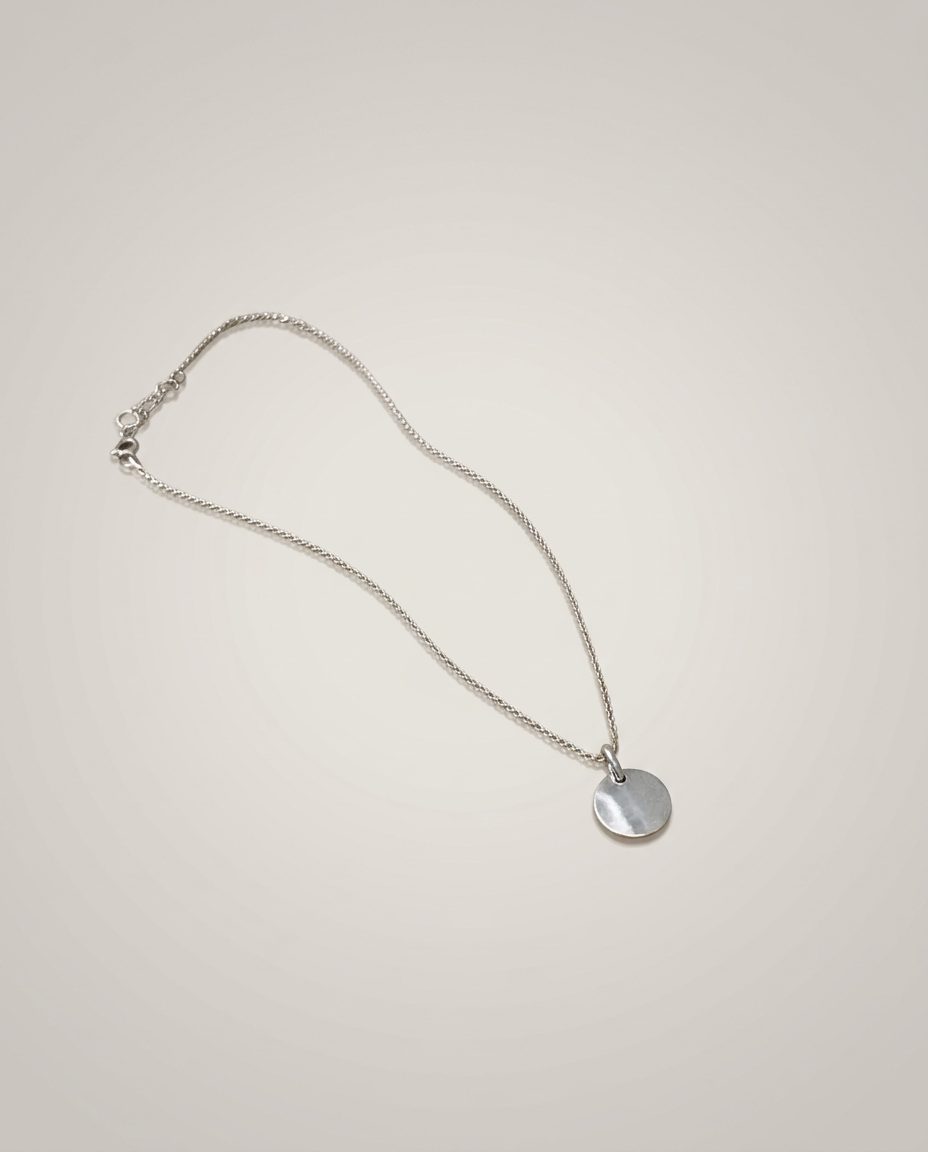
In this set: one starting photo and 3 looks made from it by SnapStudioAI: Studio, Lifestyle, On a model. The starting photo was made for this demo. Check any AI image against the real product before you list it.
Before and after


How to photograph it
- Lay the chain out in a loose curve on a plain surface, with the pendant facing up.
- Shoot close and in daylight, but not in direct sun: shiny metal picks up harsh reflections.
- Keep the clasp in view. Buyers look for it, so check it in every result.
- The on-model look frames close for jewellery so the piece is easy to see. Check that the chain length looks right on the person.
More photo ideas
Questions sellers ask
What background is best for jewellery photos?
A plain soft grey, white or cream background for the first photo, so the metal and stones stand out. Stone, linen or wood work well for styled extra photos.
Can AI keep small jewellery details?
In this example it kept the fine chain and the plain round disc. Fine textures such as hammered metal or engraving can soften, so compare every result with the real piece.