
2700 × 2025 px · Landscape 4:3, over 2000 px both ways, under 1 MB
How to use it
- Choose a photo or drop it on the box. JPG, PNG and WebP work in every browser; HEIC works in Safari.
- Pick where it’s going. The size and shape change to match.
- Add white edges to keep the whole product in view, or crop to fill when there is space around the product.
- Download the JPG and upload it to your listing. For Etsy, the file is kept under 1 MB so it uploads reliably.
The sizes it uses
| Where | Size | Why |
|---|---|---|
| Etsy listing | 2700 × 2025 px | Landscape 4:3, over 2000 px both ways, under 1 MB |
| Shopify product | 2048 × 2048 px | Square, Shopify’s suggested size |
| Amazon | 2000 × 2000 px | Square on white, zoom from 1,000 px |
| eBay | 1600 × 1600 px | Square, the top of eBay’s 800–1600 px range |
| Poshmark | 1600 × 1600 px | Square, how Poshmark shows listings |
| Facebook Marketplace / post | 1080 × 1080 px | Square, how Marketplace shows listings |
| Instagram post | 1080 × 1350 px | Portrait 4:5, the most space in the feed |
| Story, Reels, TikTok | 1080 × 1920 px | Full screen 9:16 |
Checked 3 November 2026 against the platforms’ own help pages where they publish a size: Etsy, Shopify, Amazon and eBay. Poshmark and Facebook Marketplace show listings as squares but don’t publish a pixel size. Full rules: Etsy, Shopify, Amazon, Facebook Marketplace.
Right size, but still a phone photo?
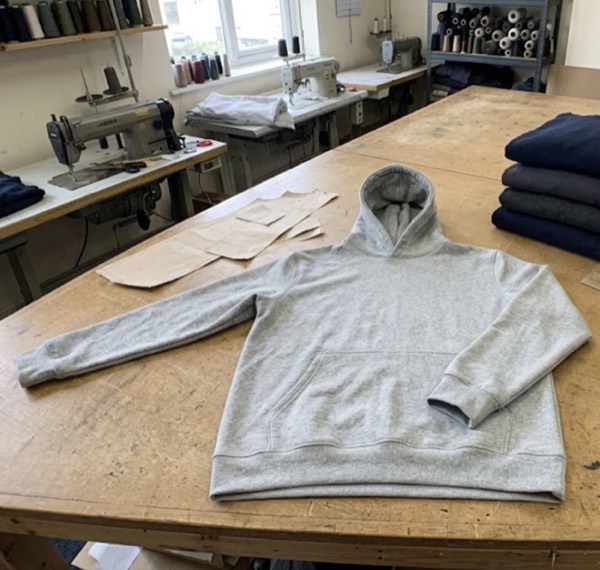
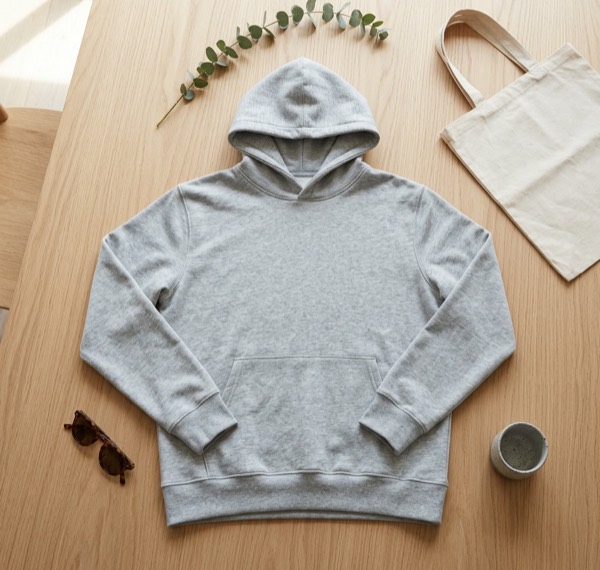
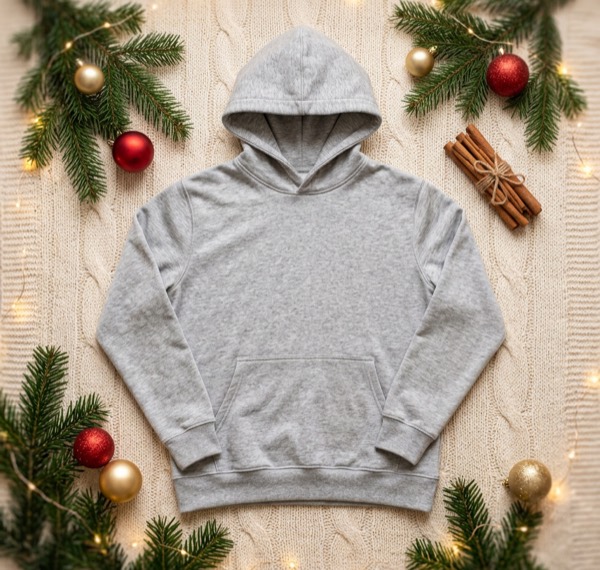
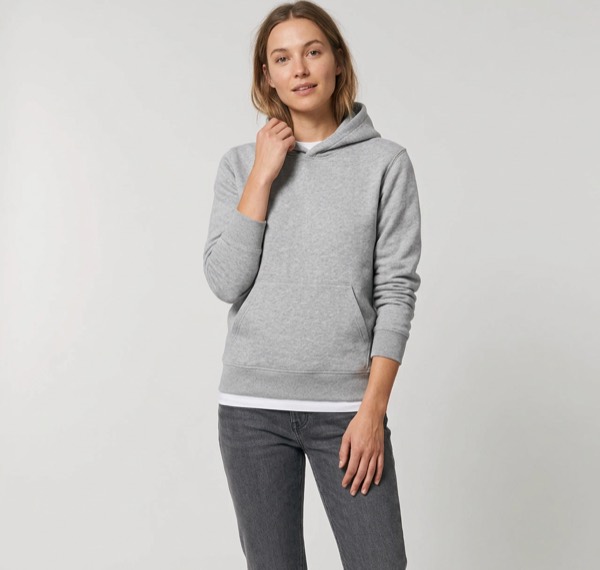
Resizing fixes the size, not the look. SnapStudioAI turns the same phone photo into a clean studio shot, a ghost mannequin shot, a styled scene or an on-model image, then makes every size above from it.
Questions sellers ask
Is the resizer free?
Yes. There is no sign-up, no watermark and no limit.
Is my photo uploaded?
No. The photo is resized inside your browser and saved straight to your device. It is never sent to SnapStudioAI or anyone else.
Should I add white edges or crop?
Add white edges to keep the whole product in the picture; that is the safe choice for marketplaces. Crop to fill when the photo has space around the product and you want it to fill the frame, for example for Instagram.
Why does my resized photo look soft?
Your original is smaller than the size you picked, so it was enlarged. Resizing cannot add detail. Use the largest photo you have, straight from the phone camera.
Can I resize iPhone HEIC photos?
Safari opens them. In other browsers, export the photo as JPG first, or set the iPhone camera to “Most Compatible” in Settings, Camera, Formats.