
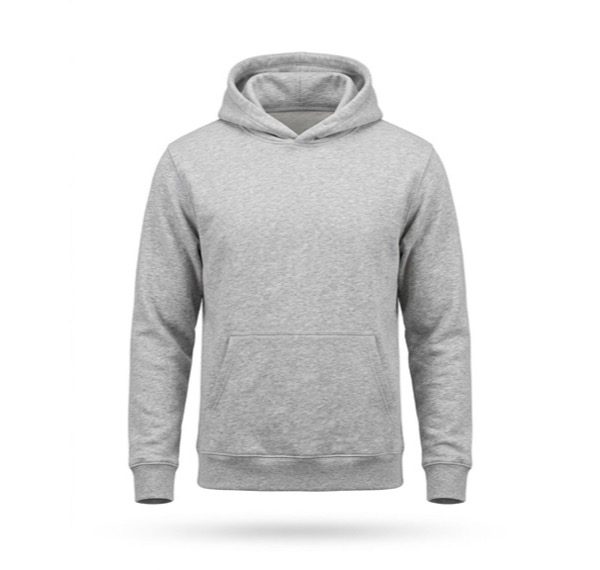
In this set: one starting photo and 5 looks made from it by SnapStudioAI: Ghost mannequin, Studio, Flat lay, Christmas, On a model. The starting photo was made for this demo. Check any AI image against the real product before you list it.
Before and after


How to photograph it
- Lay the hoodie flat on a plain surface in daylight and smooth the sleeves and hem before you shoot.
- Show the whole hoodie, hood to hem, with space around it so it can be cropped to different shapes.
- Show the pocket and the ribbed cuffs and hem: buyers look at them, and they are the first things to check in any AI image.
- For a flat lay, shoot straight down so the hoodie does not look like a trapezoid.
- Compare every result with the real hoodie. The colour, pocket and cuffs should match.
More photo ideas
Questions sellers ask
Which hoodie photo should come first in a listing?
A clean shot on a plain background, studio or ghost mannequin, because it shows the whole hoodie clearly. Amazon asks for a pure white background on the main image, so use a white version there. Put the flat lay and on-model images after it.
Can I get on-model hoodie photos without a model?
SnapStudioAI can make an on-model image from a photo of the hoodie. Check that it keeps the colour, pocket and cuffs, and use it next to your plain photos so buyers can still see the real item.
What is a ghost mannequin photo?
A photo that shows a garment in its worn shape with a hollow neckline and no model or mannequin visible. It shows fit and shape better than a flat lay.