
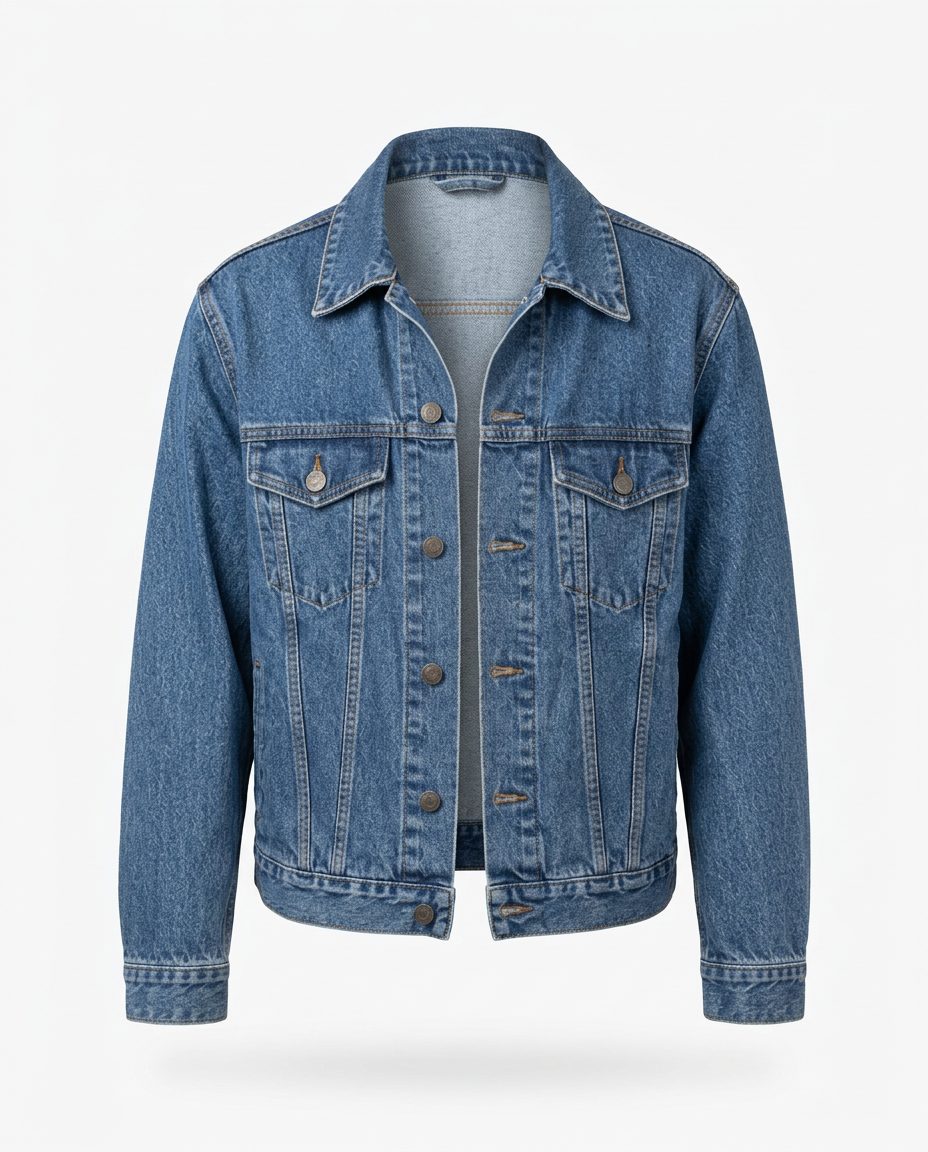
In this set: one starting photo and 4 looks made from it by SnapStudioAI: Ghost mannequin, Studio, Flat lay, On a model. The starting photo was made for this demo. Check any AI image against the real product before you list it.
Before and after


How to photograph it
- Hang it on a plain wall or lay it on a plain sheet, and shoot straight on so the collar, pockets and buttons are all visible.
- Fasten it or leave it open, but do it the same way in every photo.
- Take a close-up of the stitching, buttons and wash so buyers can judge the denim.
- Keep props small and neutral, such as a mug, a book or glasses, so the jacket stays the focus.
- Compare each result with the real jacket: pocket flaps, buttons and seams should match. The studio and ghost shots kept the wash closely; the flat lay and on-model photos (from an earlier test) came out slightly smoother and brighter.
More photo ideas
Questions sellers ask
Should I show a denim jacket flat or on a model?
Both if you can. A flat lay shows the details and colour clearly, and an on-model photo shows the fit and length. Use the clearest shot of the jacket first.
Will the denim colour match the real jacket?
Not always exactly. Here the studio and ghost mannequin shots kept the wash closely, while the flat lay and on-model photos came out slightly brighter and smoother. Compare each result with the real jacket and describe the true colour in your listing.