
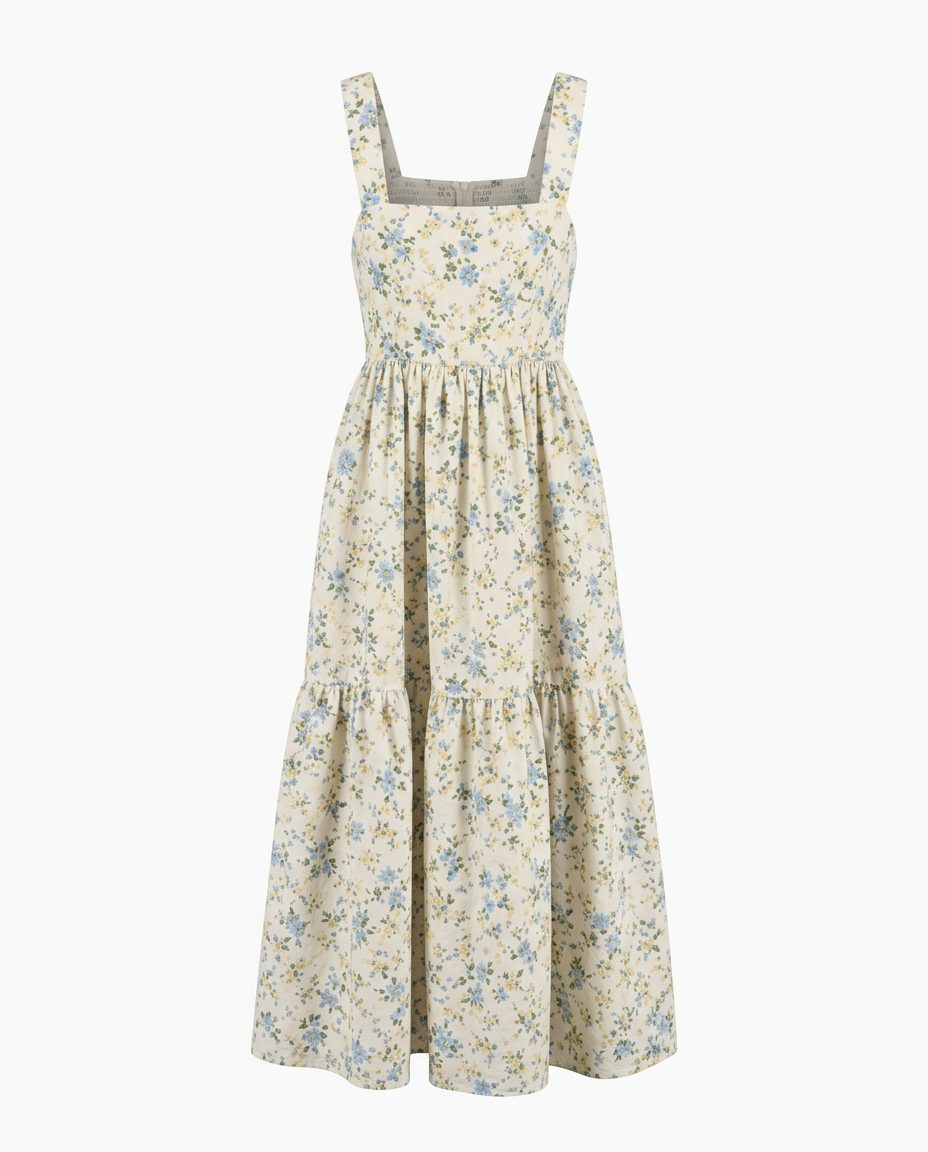
In this set: one starting photo and 4 looks made from it by SnapStudioAI: Ghost mannequin, Studio, Flat lay, On a model. The starting photo was made for this demo. Check any AI image against the real product before you list it.
Before and after


How to photograph it
- Hang the dress on a plain hanger and steam it first. Creases in the photo stay creases in every result.
- Get the whole dress in frame, straps to hem, so the AI does not have to guess the length.
- Shoot straight on in daylight so the print colours come out true.
- Check the neckline, straps, waist seam and tiers in every result: those are the details AI most often changes.
- The on-model look styles the dress with simple pieces. Here it added a white T-shirt underneath, so say in the listing what is included.
More photo ideas
Questions sellers ask
Ghost mannequin or model for a dress?
Use the ghost mannequin or studio shot first: it shows the cut and print clearly and looks the same across your shop. Add an on-model photo after it so buyers see the length and how it hangs.
Will the AI keep my dress print?
In this example it kept the small blue floral print, the square neck and the tiered skirt. Always compare the print and seams with the real dress before you list it.