
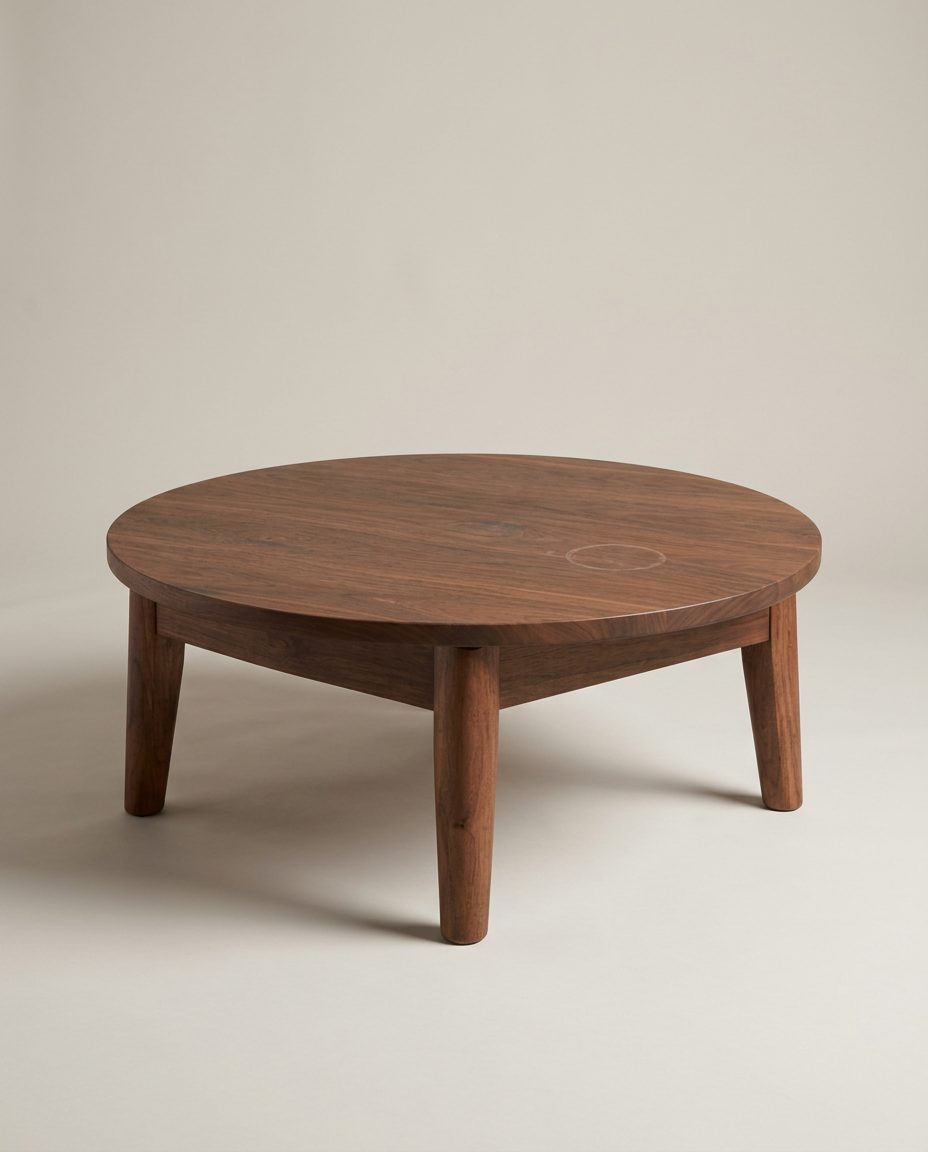
In this set: one starting photo and 2 looks made from it by SnapStudioAI: Studio, Living room. The starting photo was made for this demo. Check any AI image against the real product before you list it.
Before and after


How to photograph it
- Shoot from a little above table height, three-quarter on, so both the top and the legs show.
- Clear the top and wipe it: marks and dust carry into every result. The studio shot here even kept a faint ring on the top.
- Take a close-up of the grain and the joints yourself.
- Room scenes can change how big a table looks, so always list the diameter and height.
More photo ideas
Questions sellers ask
Why is there no Christmas example here?
We made one, but the table came out taller with chunkier legs than the real one, so we left it out. Seasonal scenes are the most likely to change furniture; check the shape before you use one.
Should a coffee table be shown in a room?
Yes, as an extra photo: a room helps buyers picture the size and style. Keep the studio or a real photo first, and say in the listing that the room is a styled preview.