
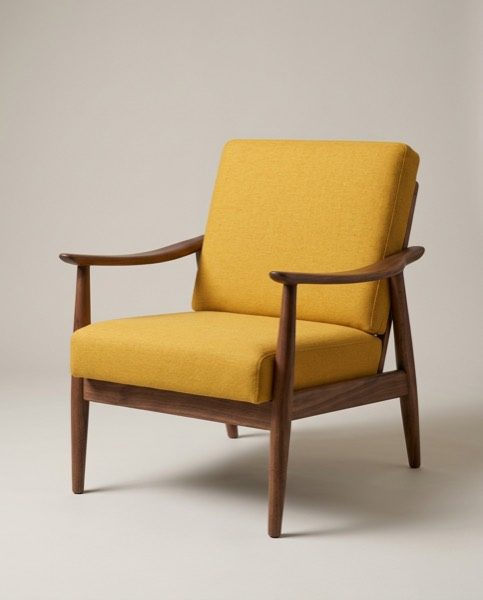
In this set: one starting photo and 6 looks made from it by SnapStudioAI: Studio, Living room, Christmas, Studio, Living room, Christmas. The starting photo was made for this demo. Check any AI image against the real product before you list it.
Before and after


How to photograph it
- Hold the phone at about seat height and step back a little, or use the 2× lens, so the legs do not splay.
- Shoot it three-quarter on, so both arms, the seat and the back are in view.
- Clear the clutter around the chair. A plain wall or floor behind it makes it easier to put the chair in a new setting.
- Take a close-up of the fabric and the wood grain. Those details are the ones to check in any AI image.
- AI rooms can make a chair look bigger or smaller than it is, so put the real measurements in the listing.
More photo ideas
Questions sellers ask
Is a styled room photo OK for an armchair listing?
Yes, as an extra photo. Keep at least one photo of the real chair on a plain background, and say in the listing when a room scene was made with AI.
What background suits a studio armchair shot?
A plain, softly lit warm grey or white backdrop with a soft shadow on the floor. It keeps the eye on the chair and works as the first photo on most marketplaces.
Do Christmas photos belong on a listing?
They suit seasonal posts and holiday collections better than the main listing image. Put the studio shot first and use the Christmas scene in your holiday campaign.