Run Product Image CRO Experiments — Quick Variants for Conversion Teams
CRO teams can create controlled image variants (studio vs lifestyle, with/without models) from a single upload to test impact on conversions—fast asset creation enables more reliable experiments across regions.
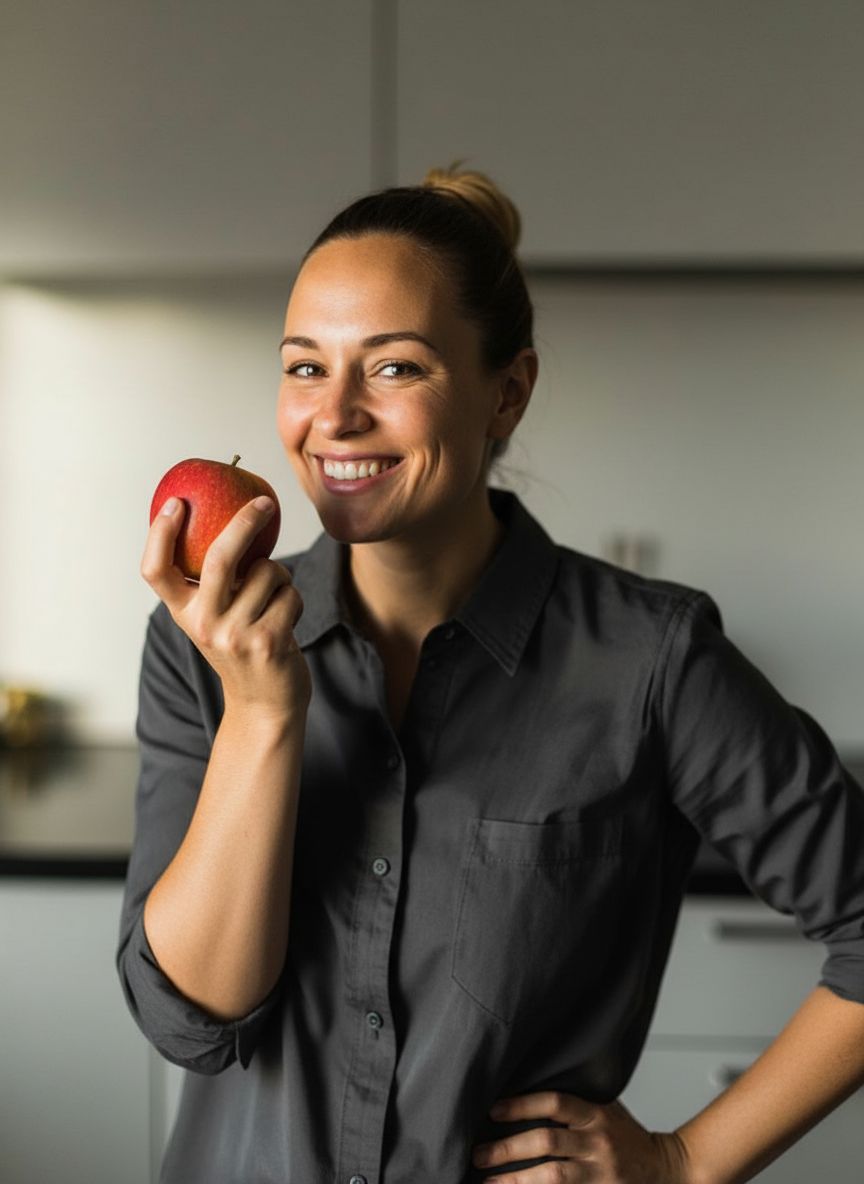 A woman smiling and holding a red apple, representing a typical product photo before being enhanced by AI.
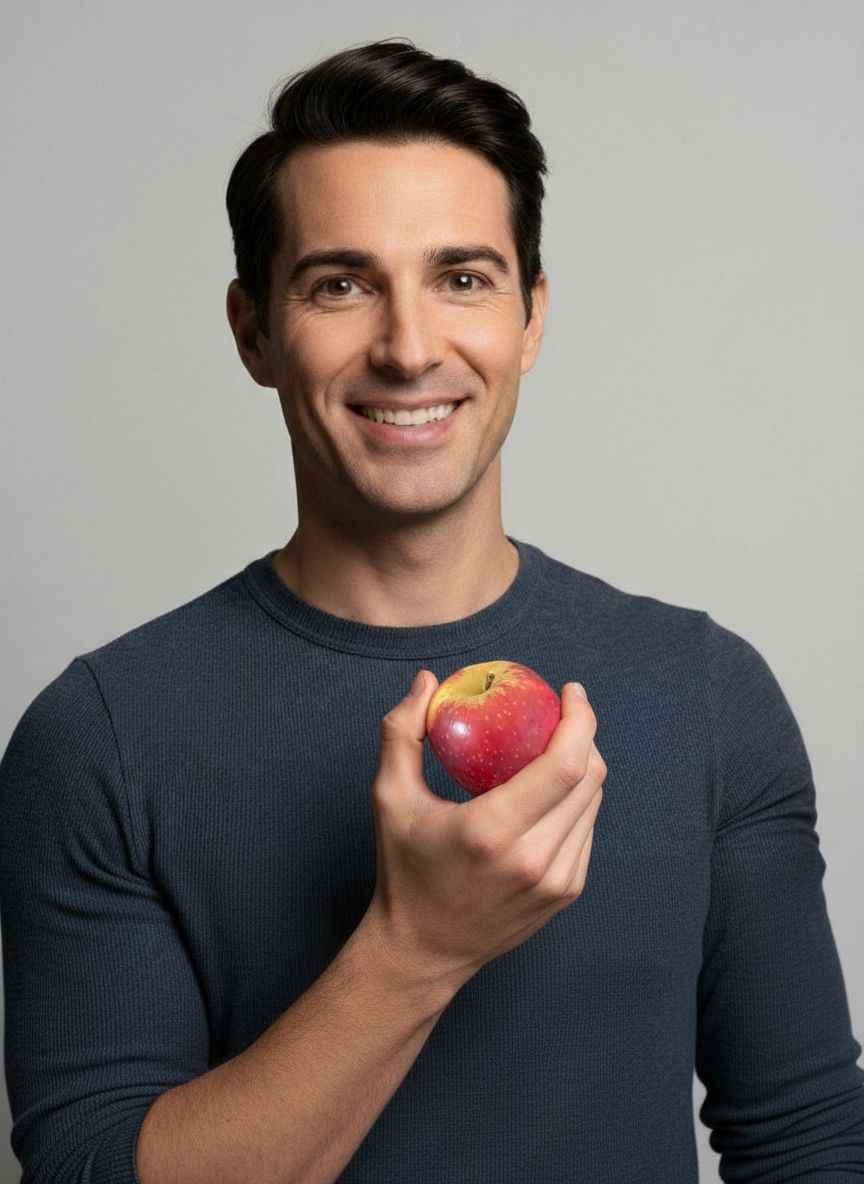 A man holding an apple against a plain background, illustrating the AI enhancement process in action.
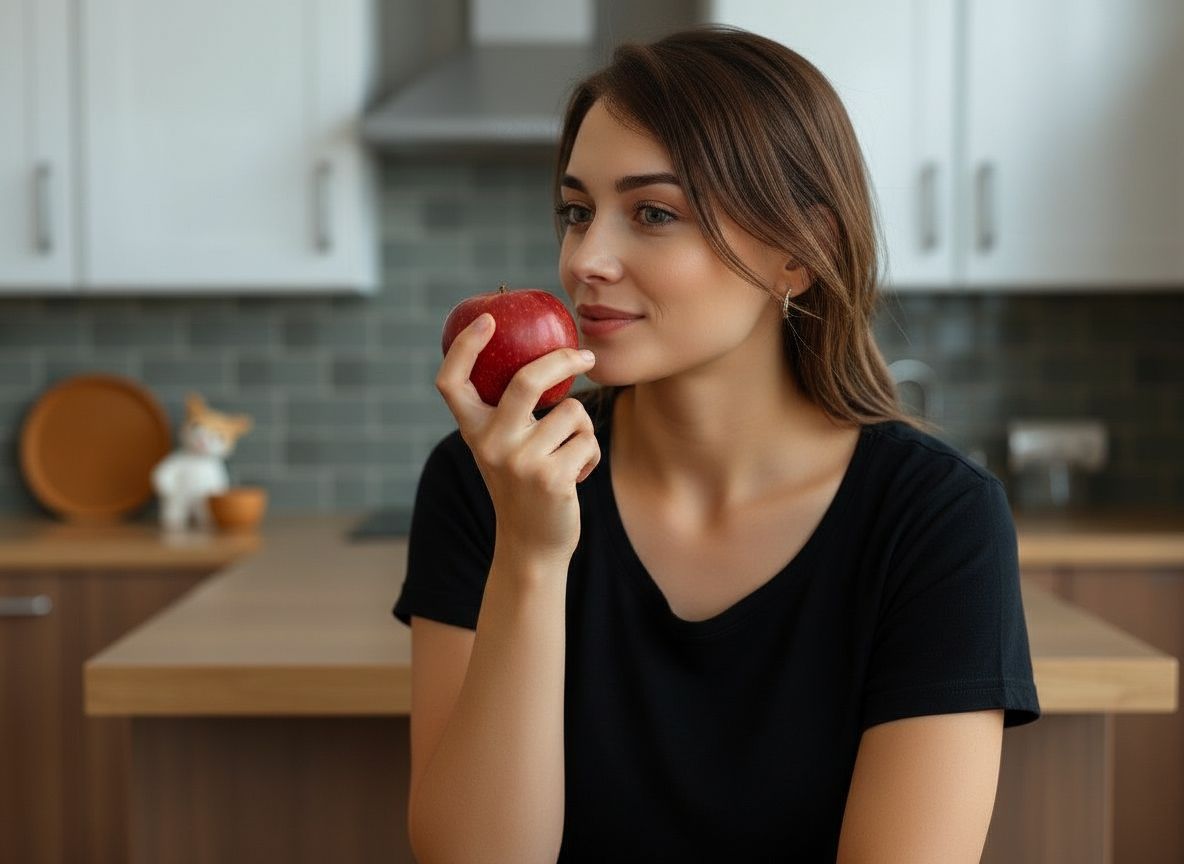 Your Product in a Perfect, AI-Generated Setting
Claim your $2.99 Starter Pack
Stop wasting hours on photography and editing. Join 2,000+ sellers using SnapStudioAI to launch products 10x faster.
- ✓ 20 Pro Photos for just $2.99
- ✓ Zero learning curve - No Photoshop needed
- ✓ Instant WebP downloads optimized for speed
Create your account
AI Product Photo Gallery
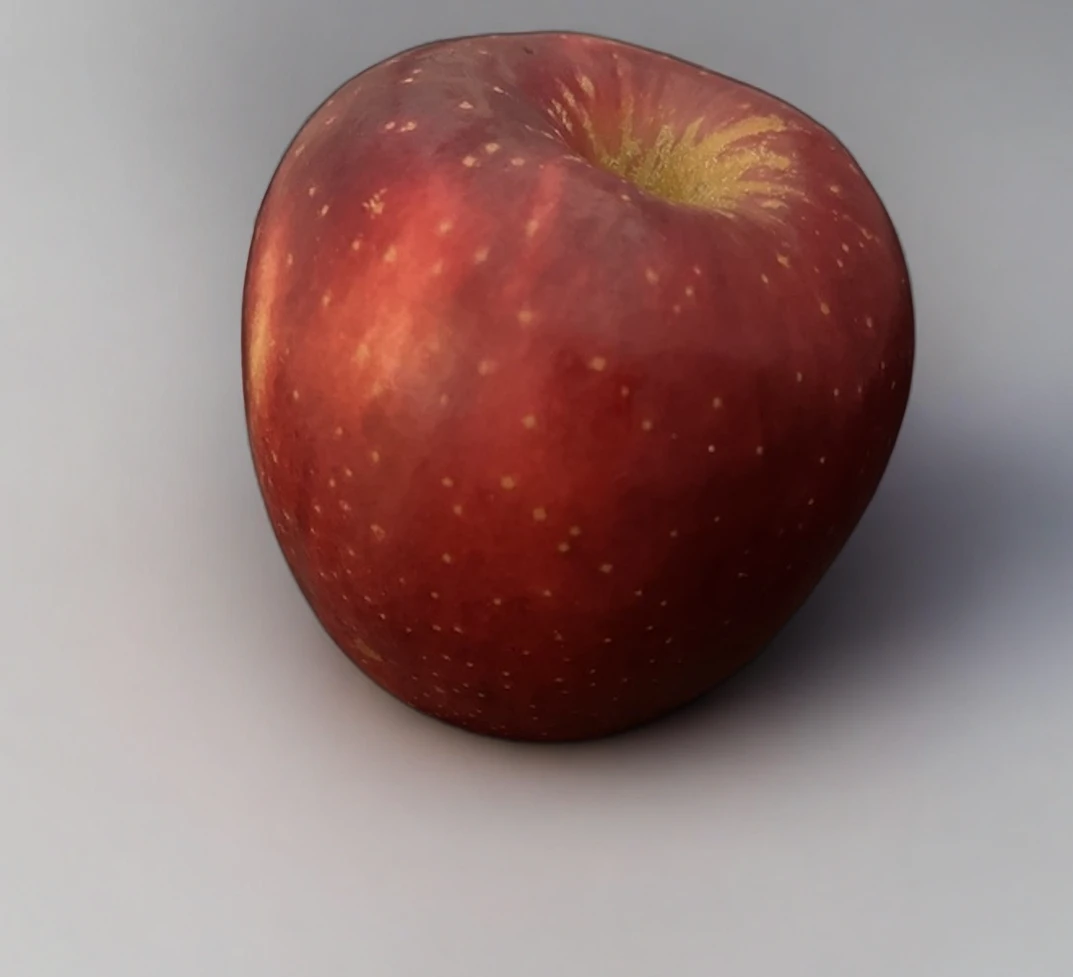
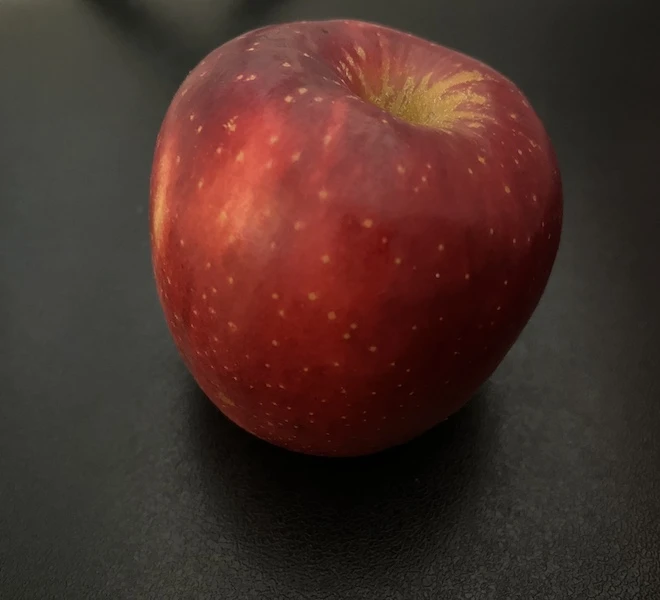
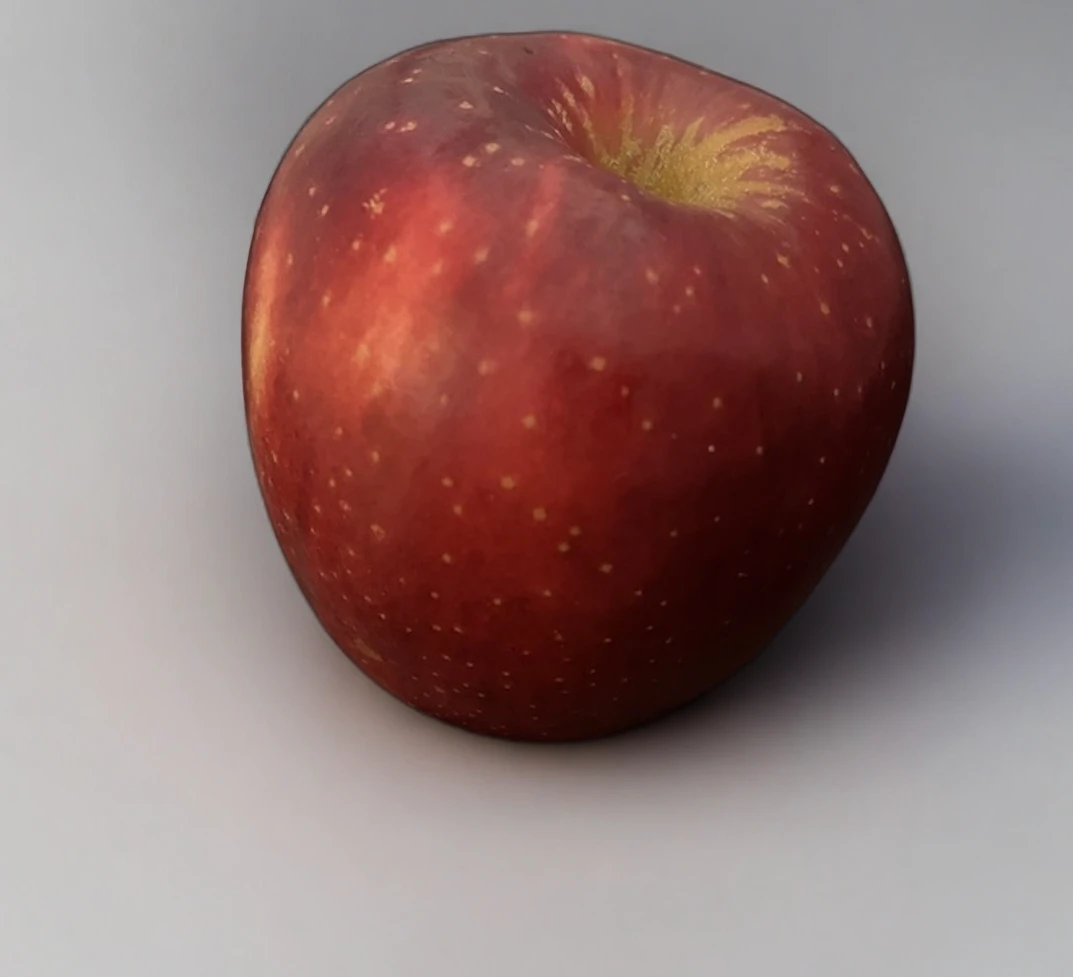
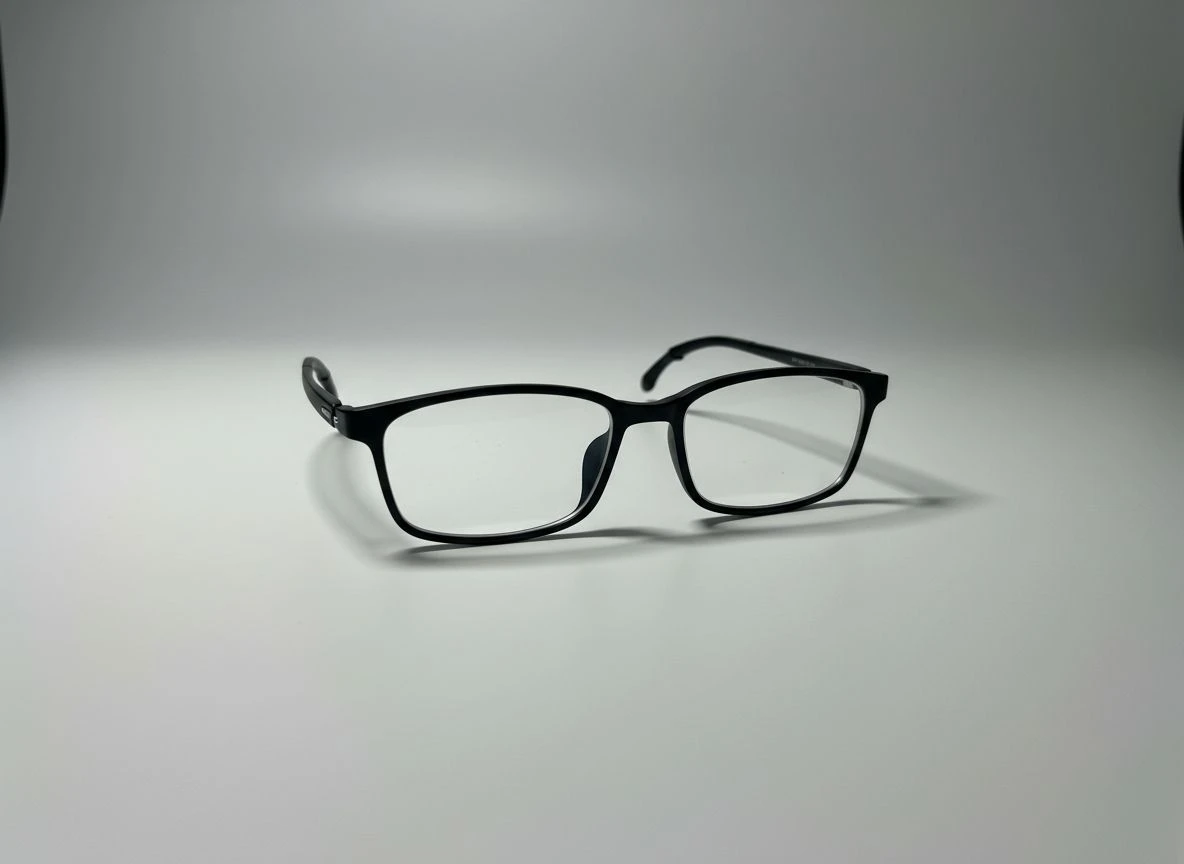
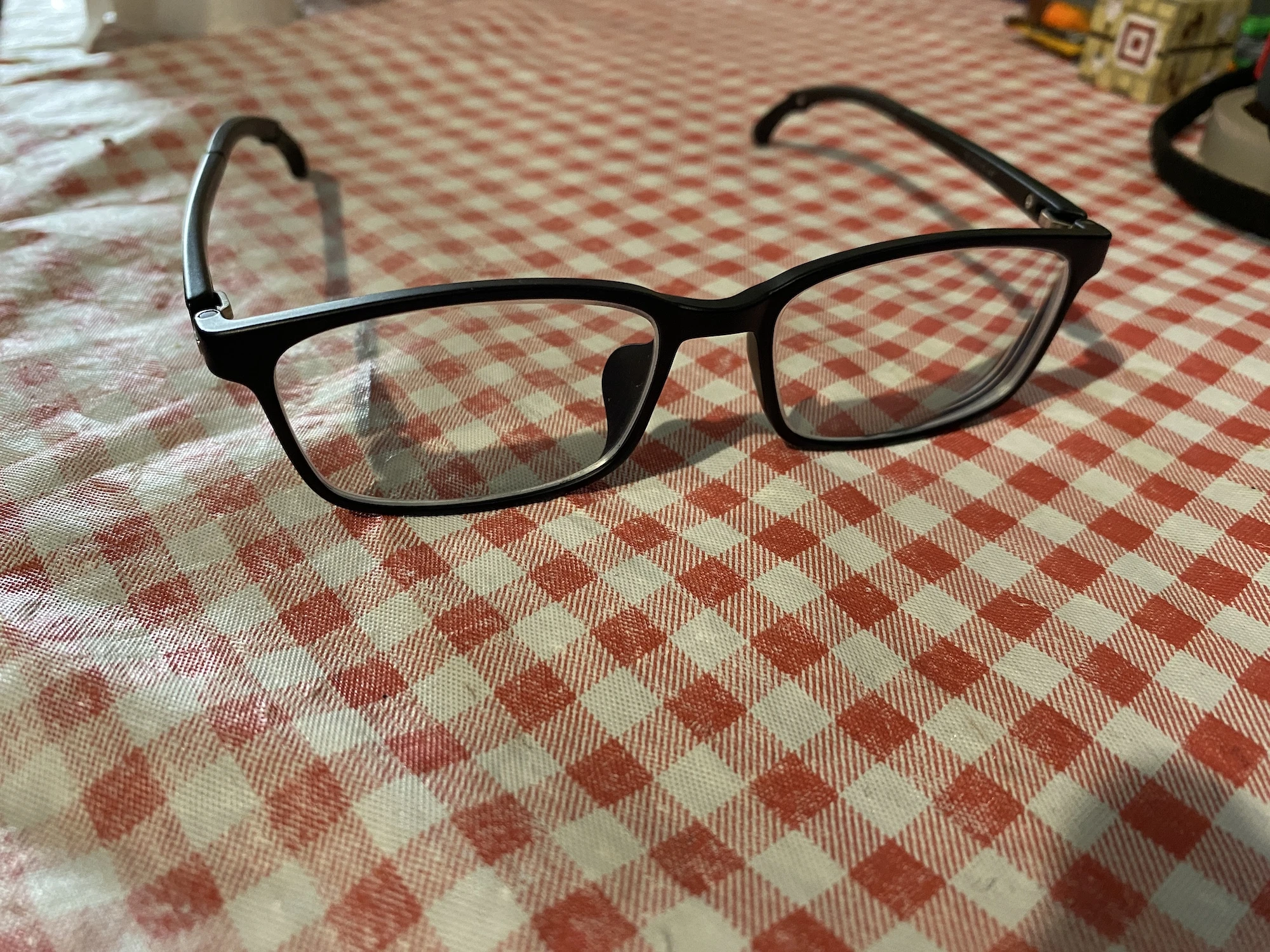
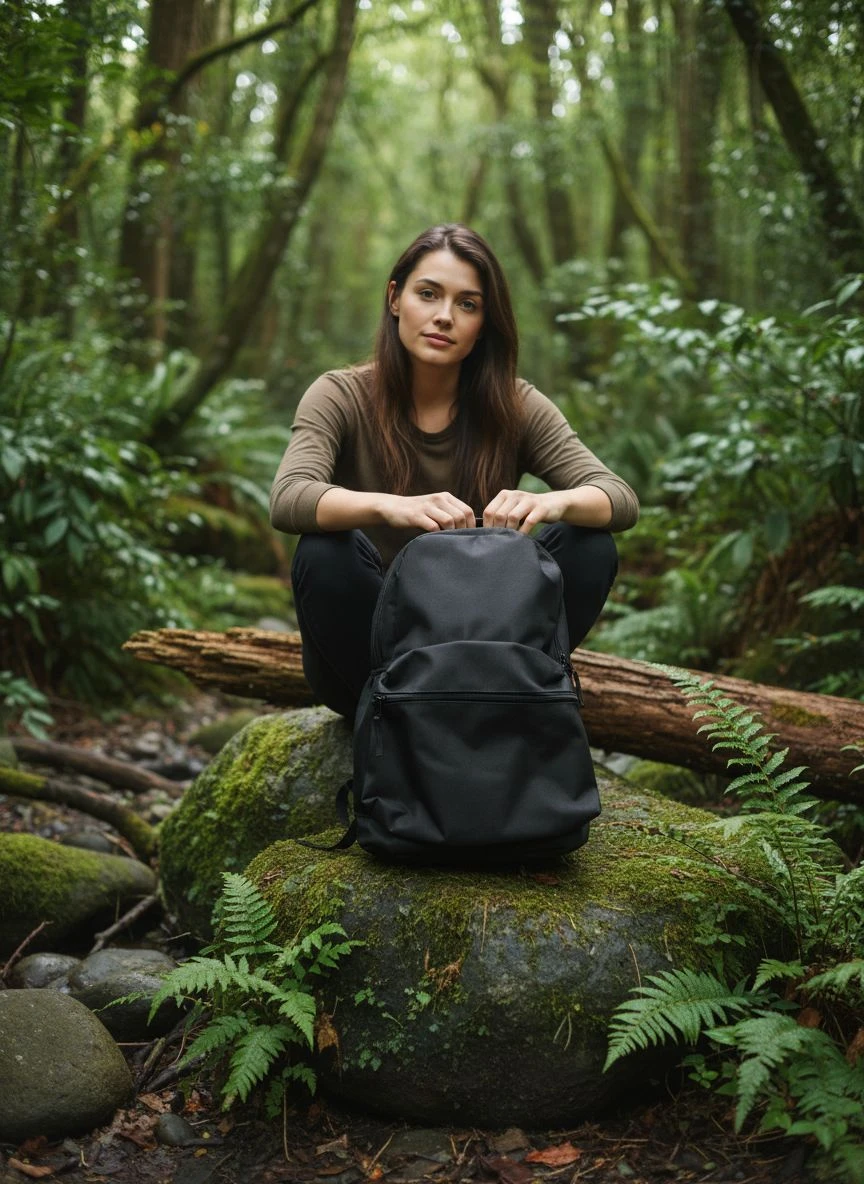
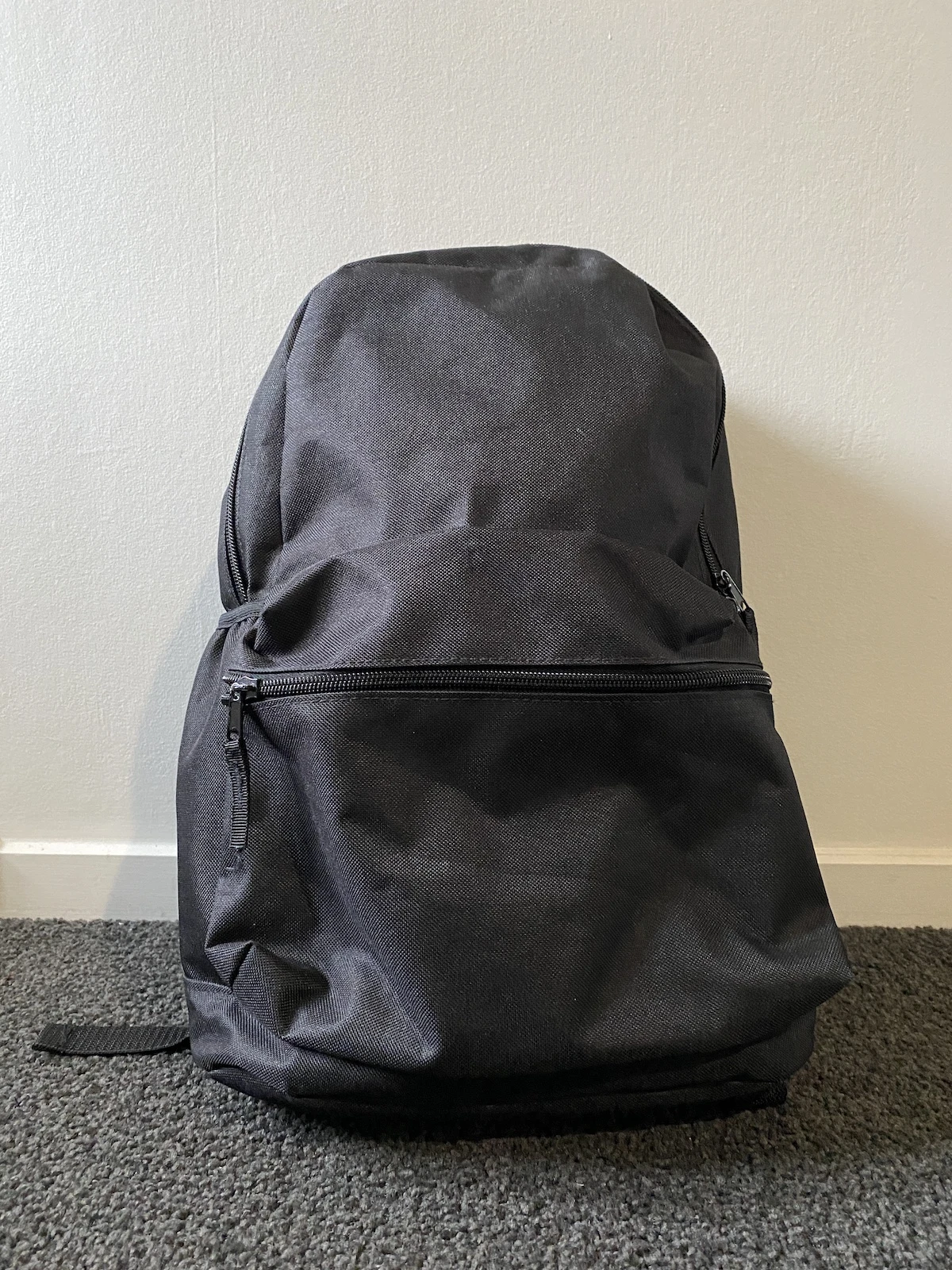
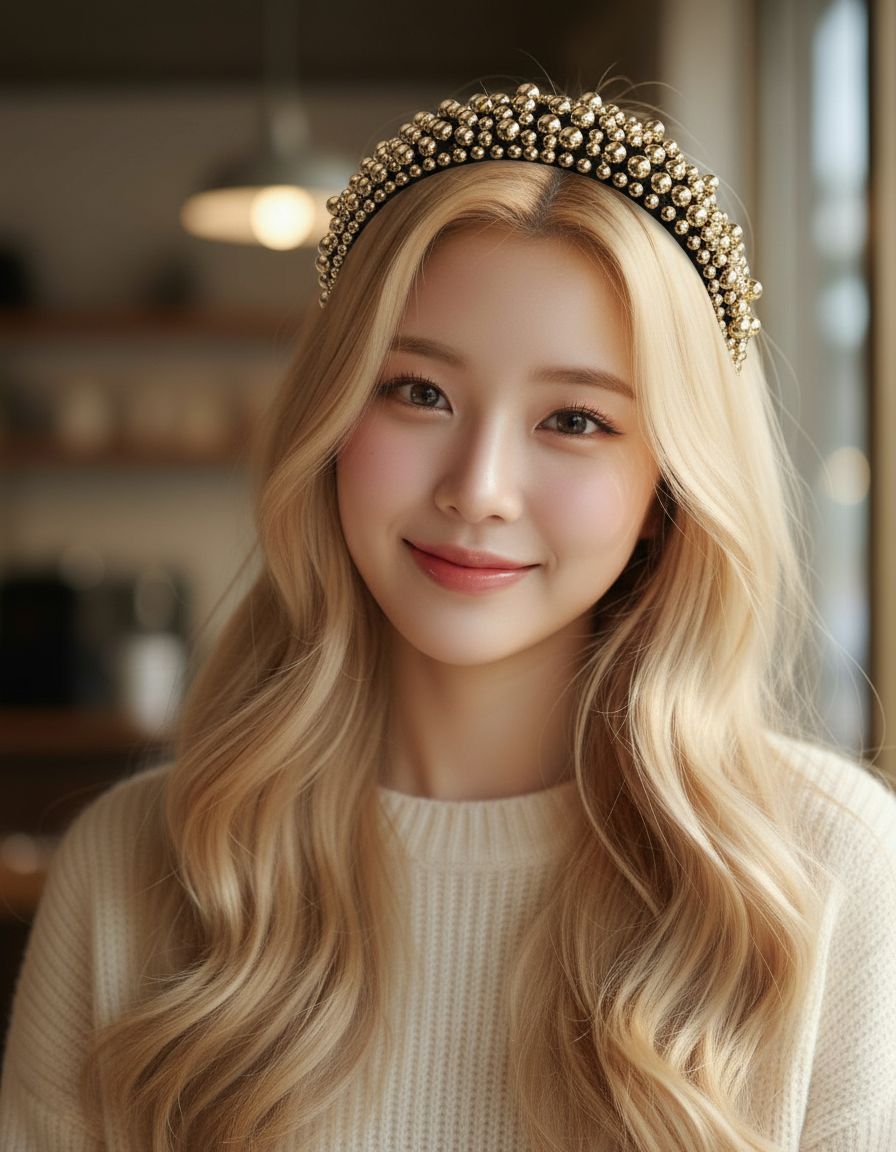
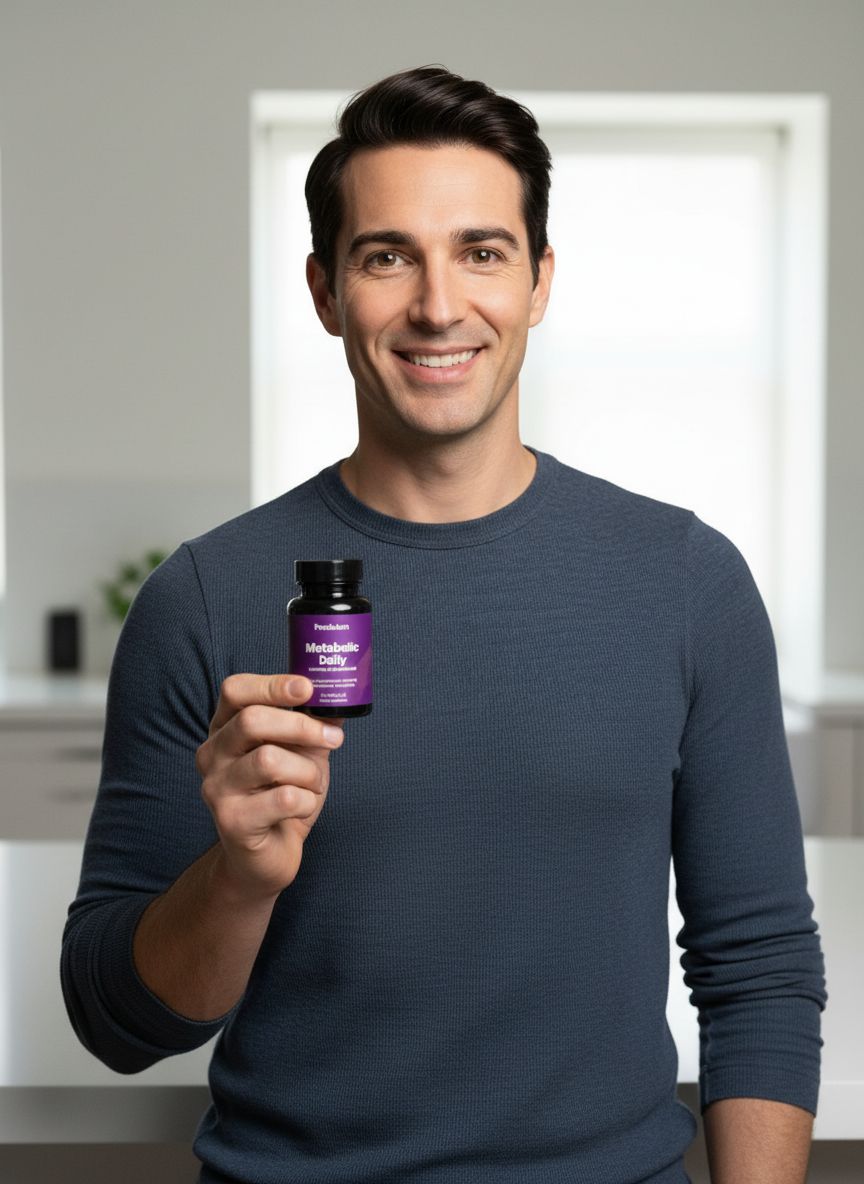
Preview the visuals generated for this workflow—swap between studio, lifestyle, and campaign-ready looks instantly.

Why teams switch to SnapStudioAI
Address the bottlenecks slowing down your creative pipeline before they hit your launch calendar.
Fewer experiments and slower conversion improvements.
Unclear test results when imagery differs by region.
Everything you need to go from idea to live campaign
SnapStudioAI combines AI-driven ideation with production-ready outputs your sales, marketplace, and growth teams can deploy instantly.
Test-Friendly Variants
- Generate studio and lifestyle options to isolate visual variables
- Consistent outputs reduce noise in CRO experiments
Regional Testing Support
- Create visuals tailored to EU audiences with consistent composition
- Quick downloads for A/B platform upload
Built for fast-moving teams
From asset upload to final creative, every step is structured so you can ship on-brand visuals without the back-and-forth.
1. Define Hypothesis
CRO team decides which visual element to test (background, model presence, lifestyle).
2. Generate Variants
Upload a single image and create the controlled variants using presets.
3. Run Experiment
Upload variants to your A/B testing tool and measure conversion impact.
Frequently asked questions
Answers for product, ops, and creative leads evaluating SnapStudioAI for their teams.
Can I control cropping and aspect ratios for tests?
Yes—outputs support common aspect ratios used for product pages; adjust crops minimally after download to match test specs.
Ready to produce your next launch visuals?
SnapStudioAI keeps your product imagery on brand, on brief, and ready for every marketplace in minutes.