Build Consistent, On-Brand Product Photos Without Photoshop
Create polished studio, lifestyle, or white-background product images from one upload. SnapStudioAI helps brand teams launch faster with consistent visuals across channels.
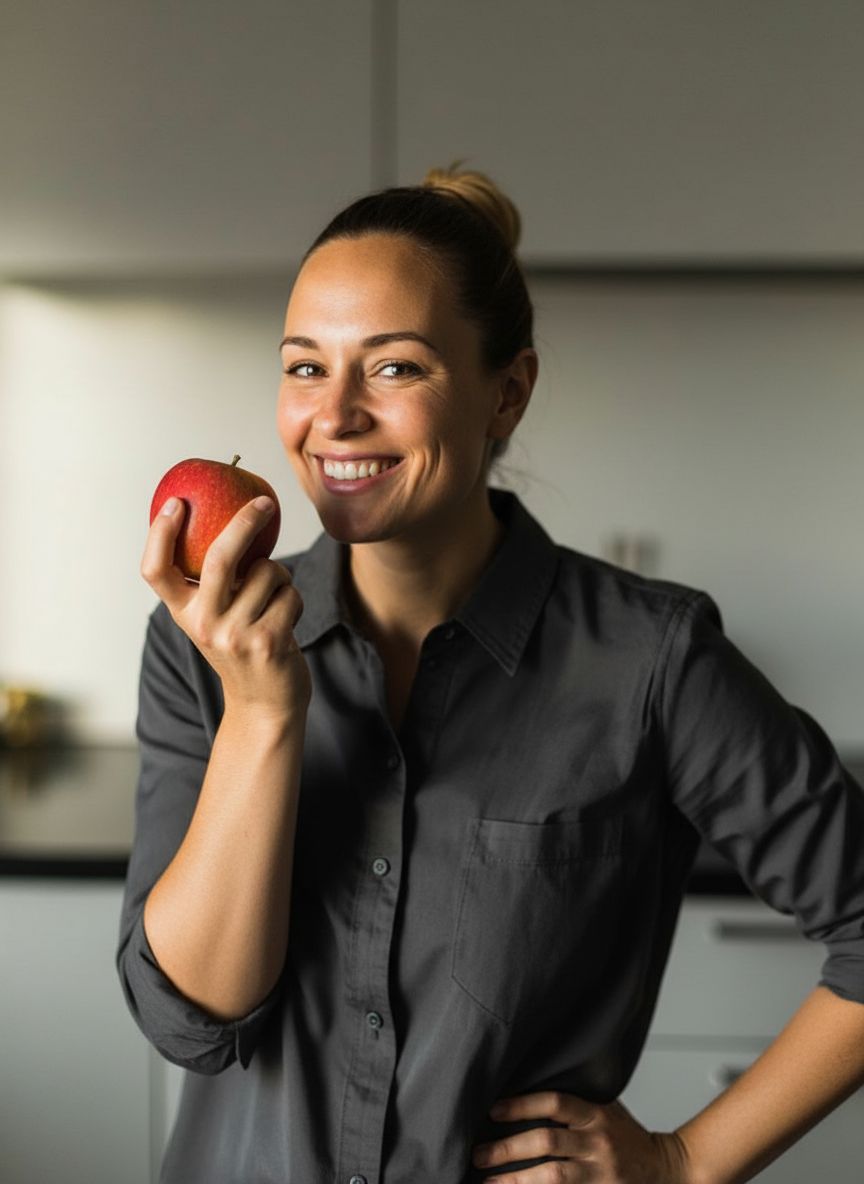 A woman smiling and holding a red apple, representing a typical product photo before being enhanced by AI.
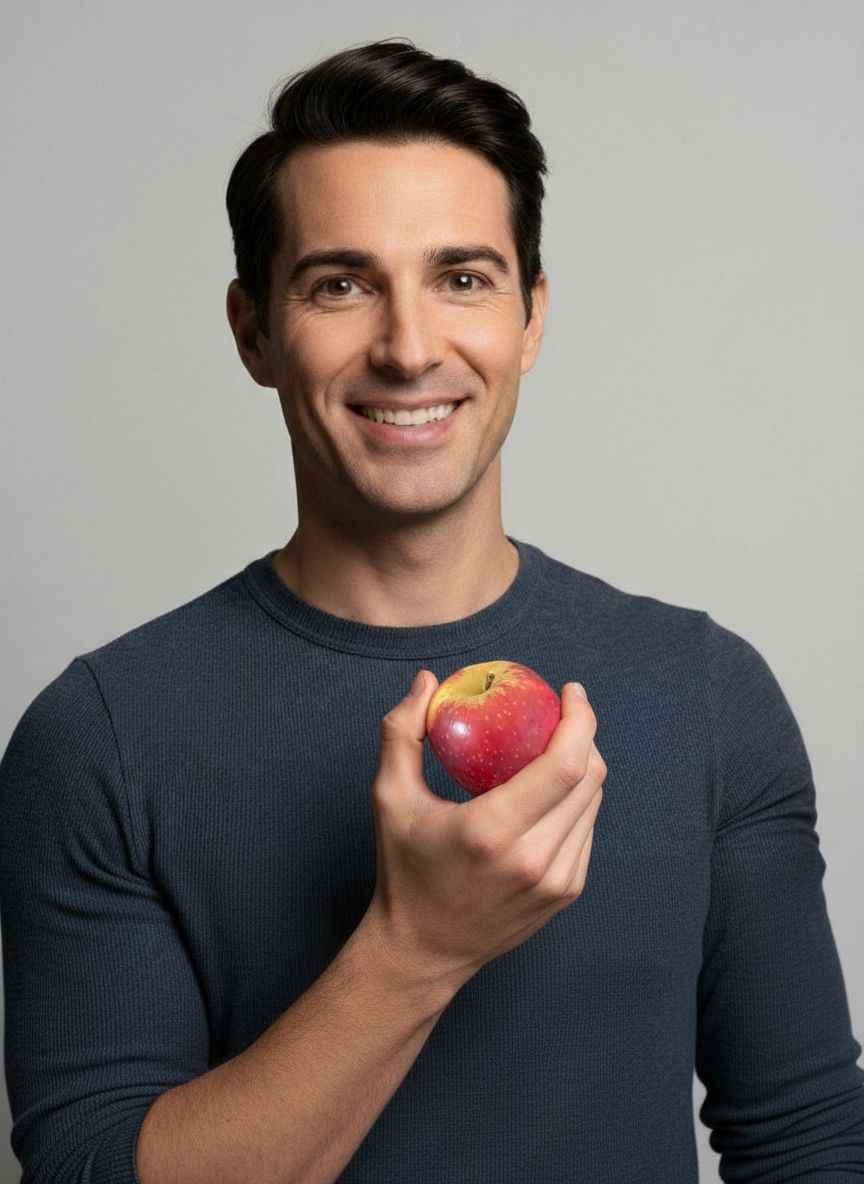 A man holding an apple against a plain background, illustrating the AI enhancement process in action.
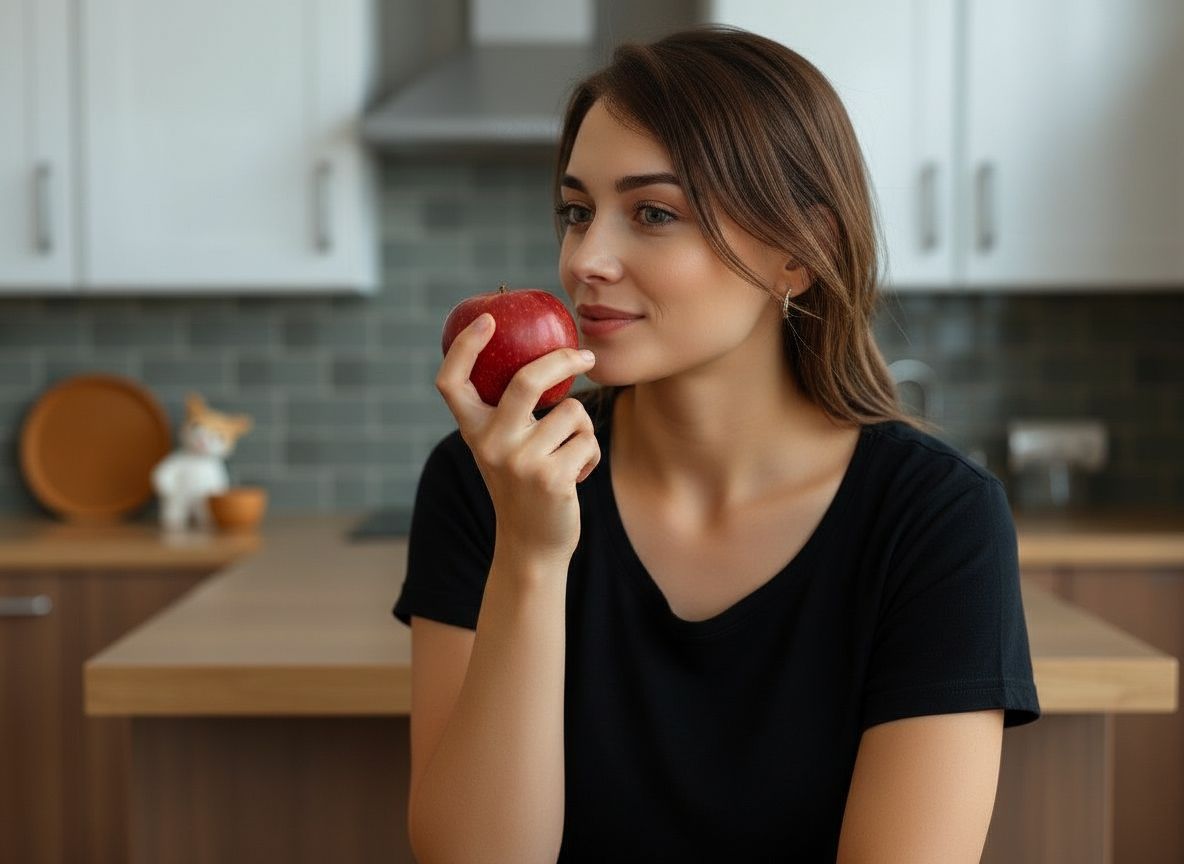 Your Product in a Perfect, AI-Generated Setting
Claim your $2.99 Starter Pack
Stop wasting hours on photography and editing. Join 2,000+ sellers using SnapStudioAI to launch products 10x faster.
- ✓ 20 Pro Photos for just $2.99
- ✓ Zero learning curve - No Photoshop needed
- ✓ Instant WebP downloads optimized for speed
Create your account
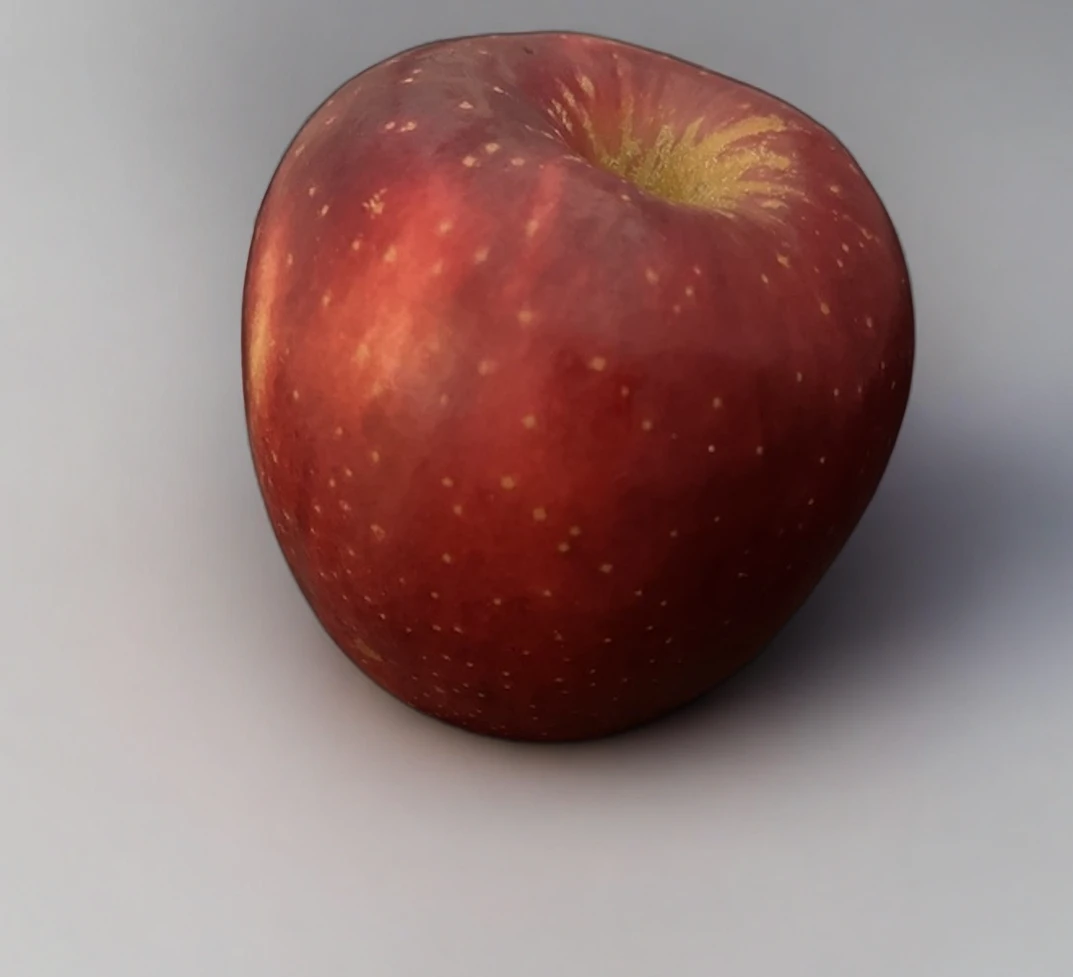
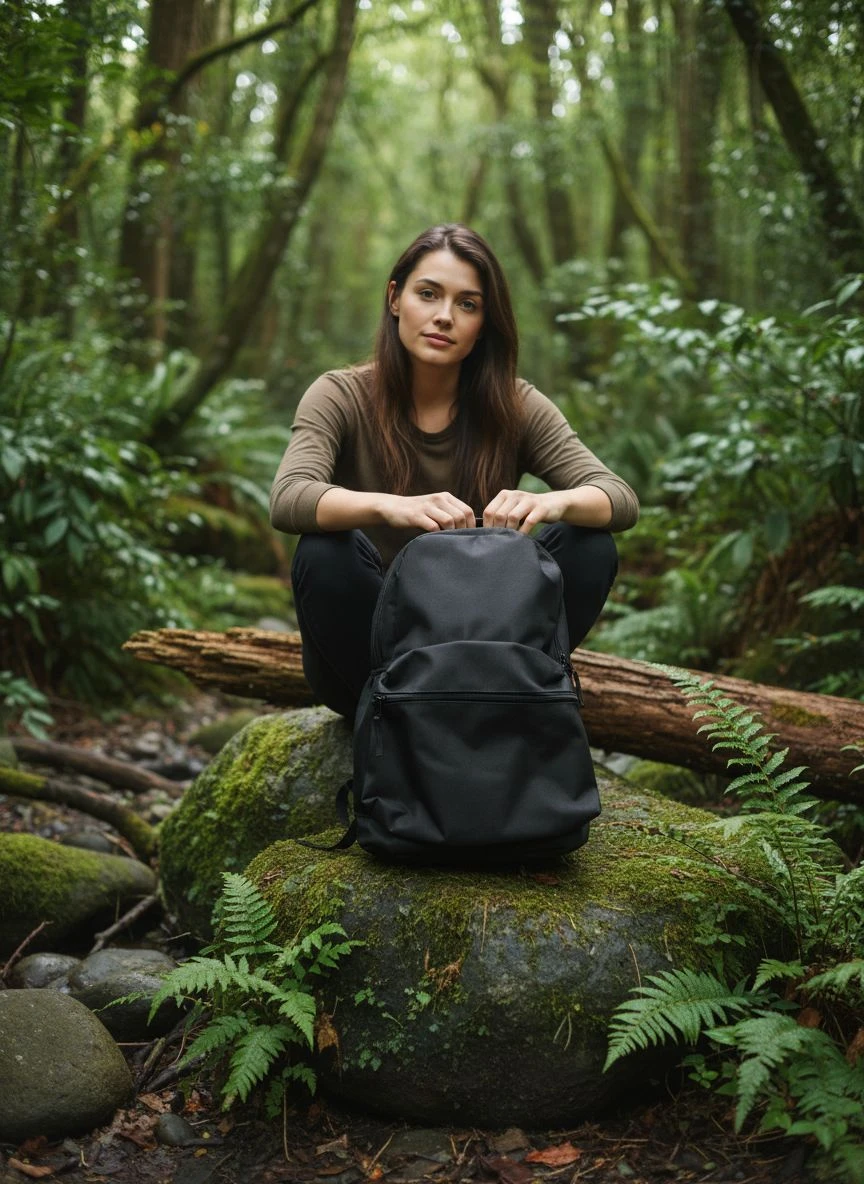
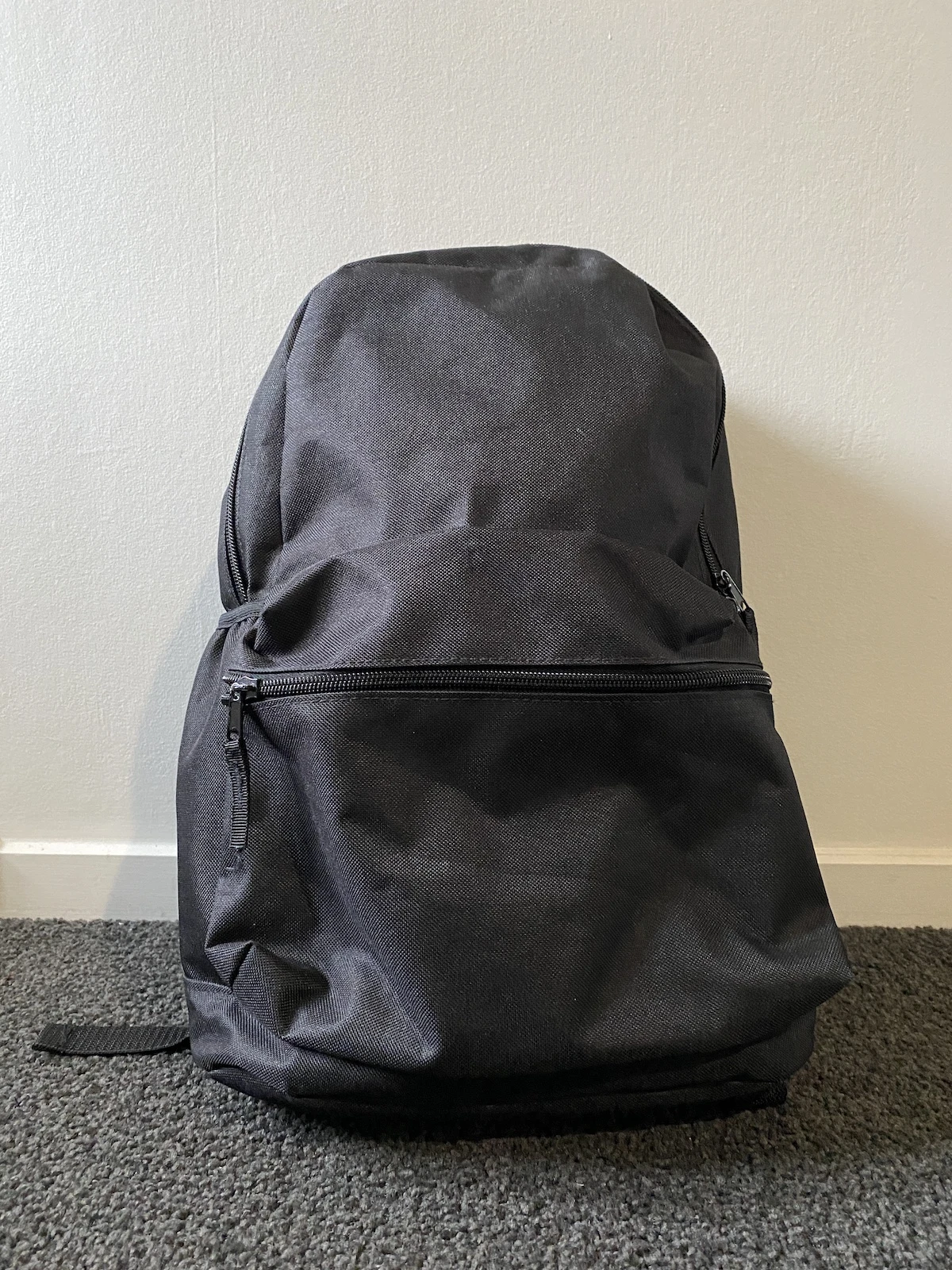
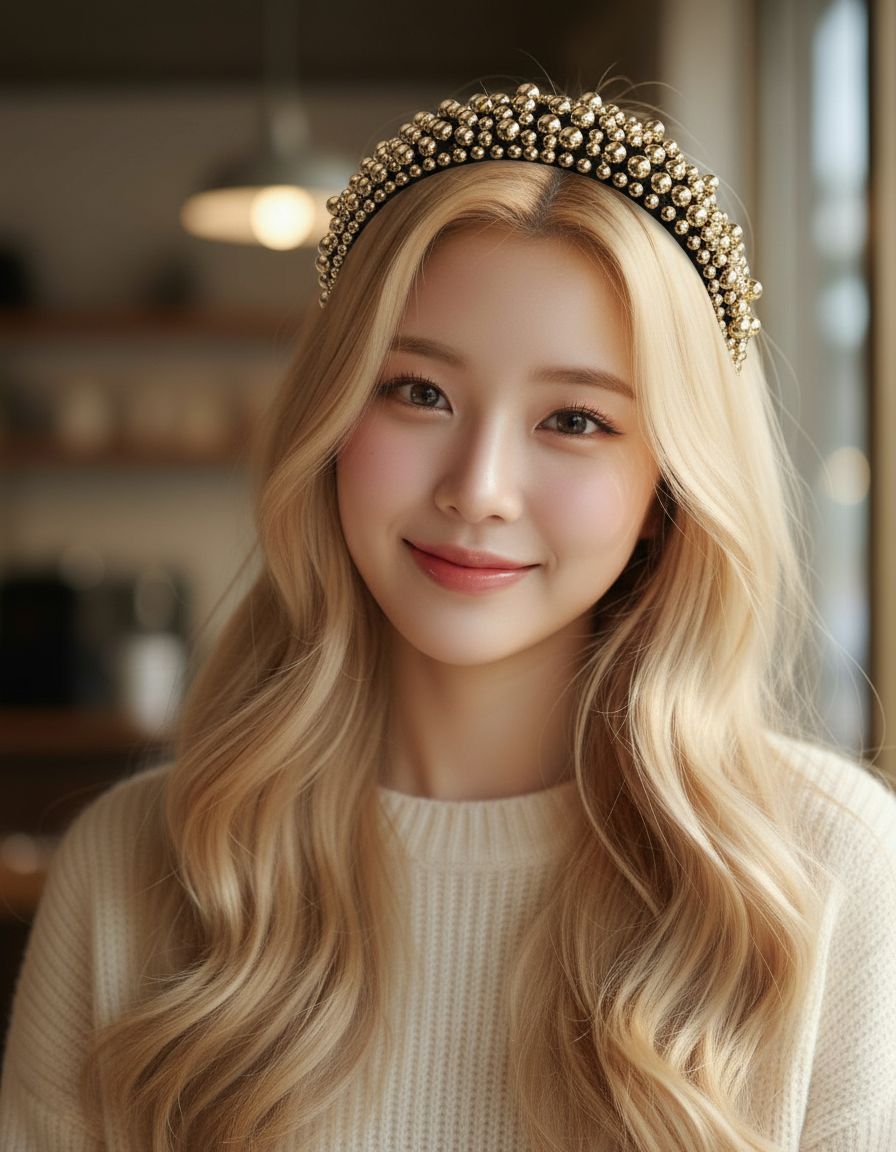
AI Product Photo Gallery
Preview the visuals generated for this workflow—swap between studio, lifestyle, and campaign-ready looks instantly.
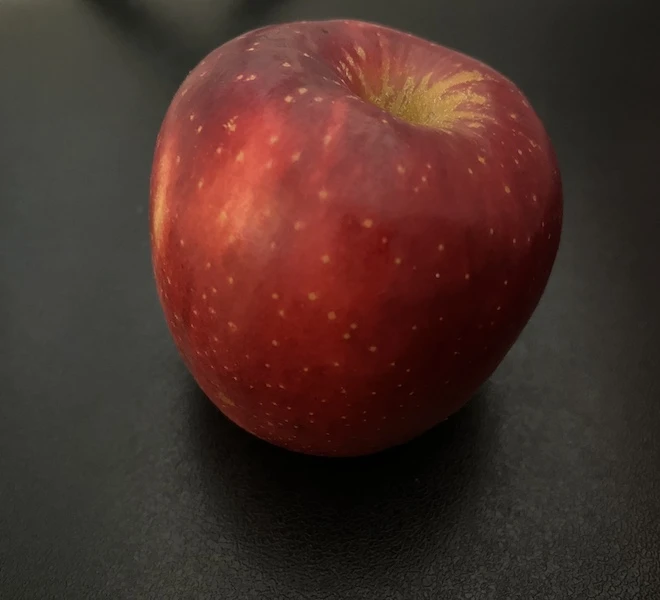
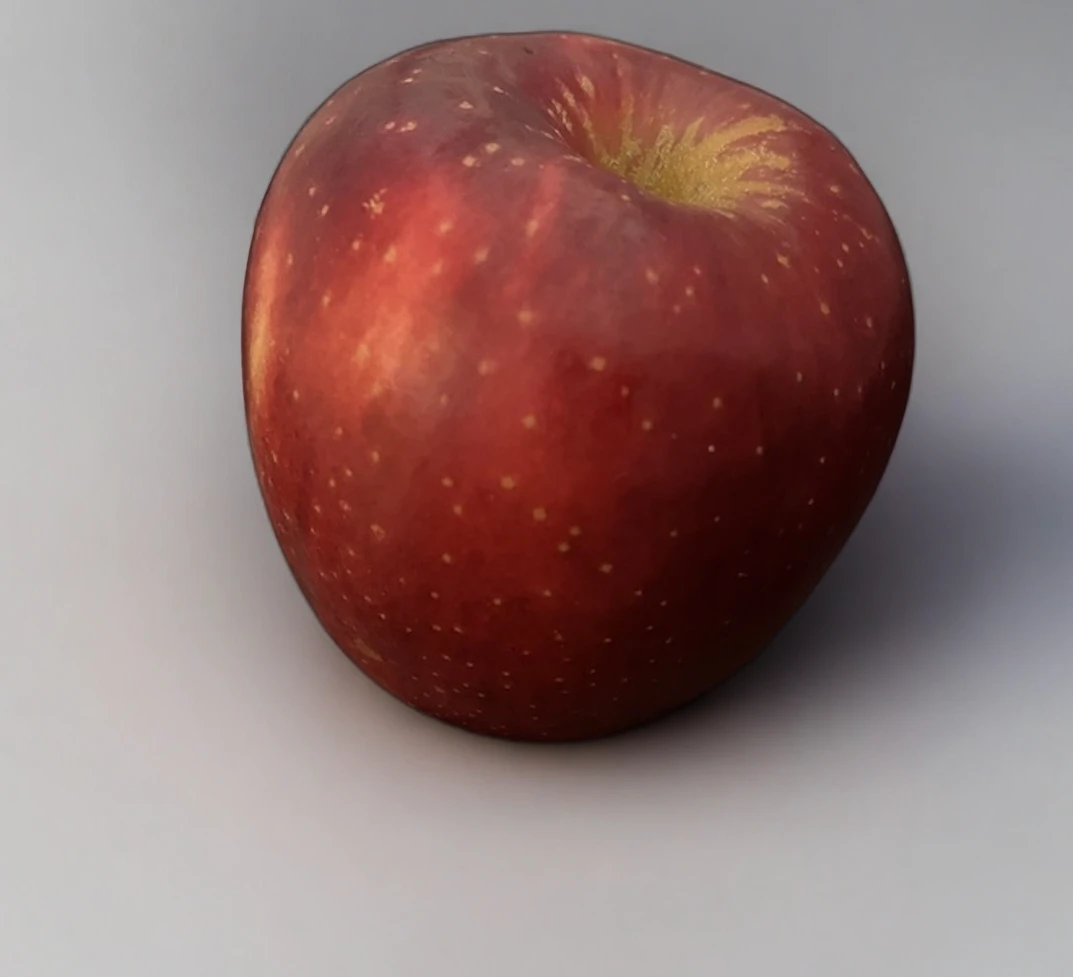
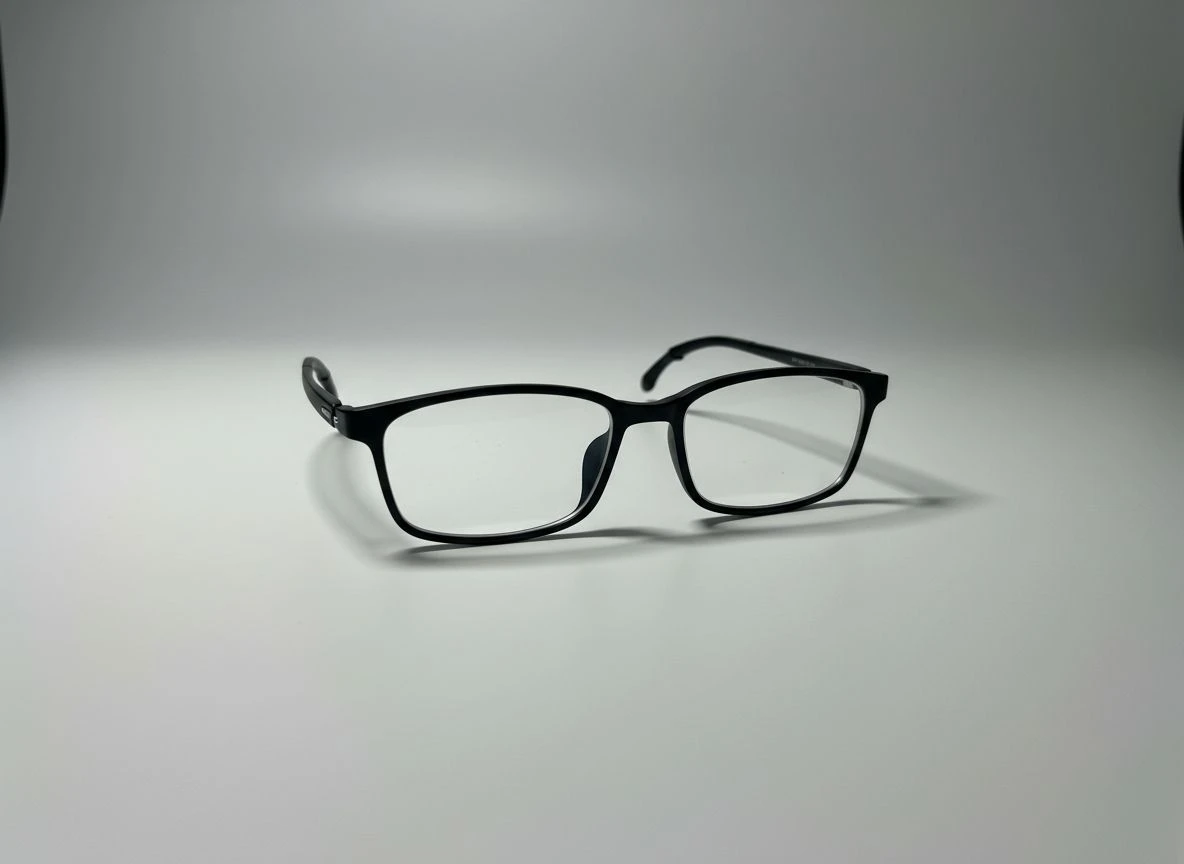
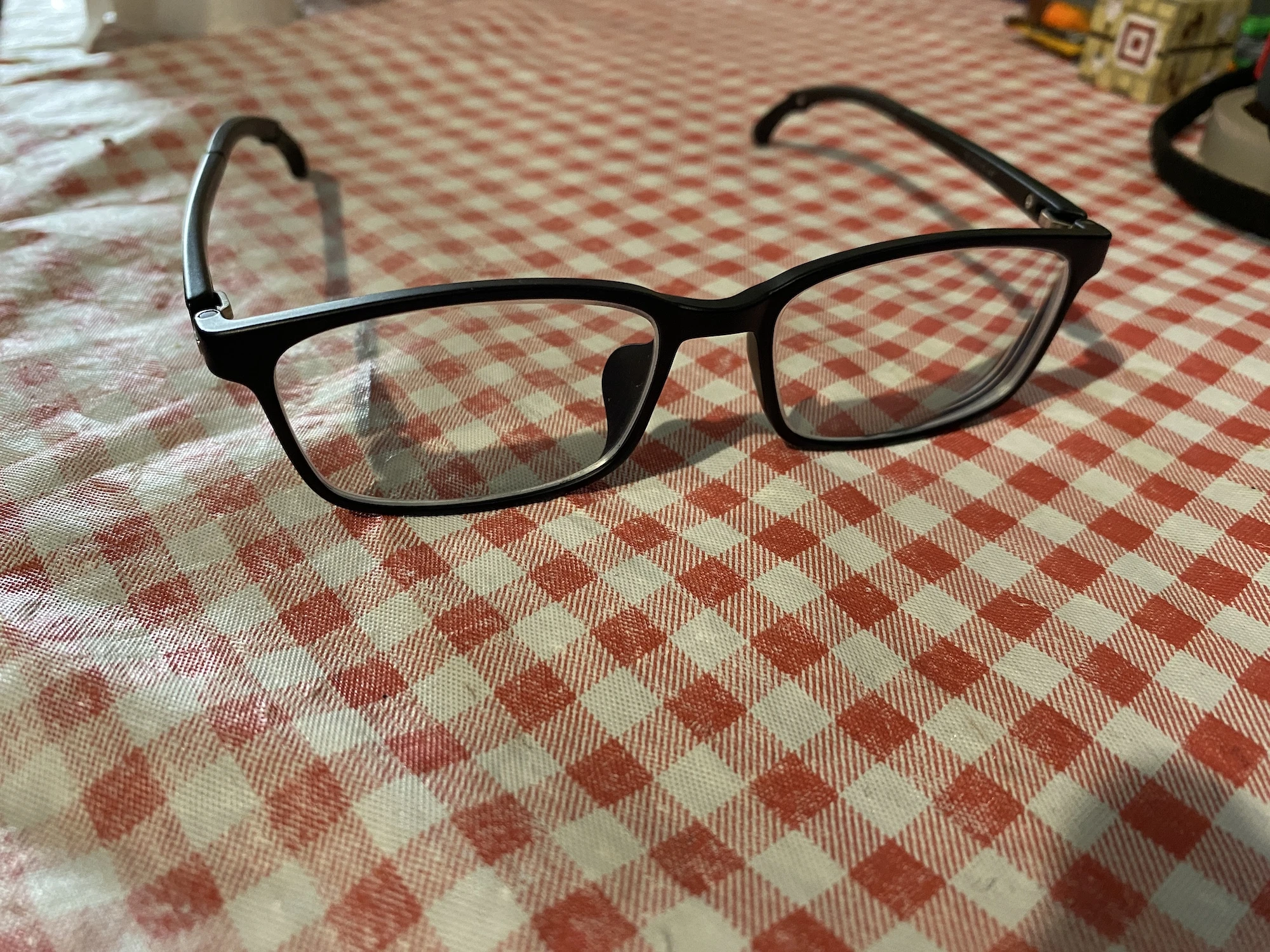


Why teams switch to SnapStudioAI
Address the bottlenecks slowing down your creative pipeline before they hit your launch calendar.
Confuses customers, weakens brand trust, and lowers conversion rates.
Missed campaign windows and increased creative costs.
Everything you need to go from idea to live campaign
SnapStudioAI combines AI-driven ideation with production-ready outputs your sales, marketplace, and growth teams can deploy instantly.
What SnapStudioAI Does
- Generate studio, lifestyle, or white-background images from one product photo
- Choose with-or-without models presets and maintain consistent brand scenes
- Fast preview and simple download/share links for approvals
Why Teams Use It
- No Photoshop or technical setup—intuitive for non-technical sellers
- Faster launch cadence for product and campaign updates
- Repeatable visual language for catalog and marketing
Built for fast-moving teams
From asset upload to final creative, every step is structured so you can ship on-brand visuals without the back-and-forth.
1. Upload
Upload a single product image (phone photo or studio shot).
2. Choose Style
Pick studio, lifestyle, white background, or model options for consistent output.
3. Review & Adjust
Preview variations, choose the best scene, and request quick retouches.
4. Download & Share
Download final images or share a link with your team for fast implementation.
Frequently asked questions
Answers for product, ops, and creative leads evaluating SnapStudioAI for their teams.
How many images do I need to upload?
You can start from a single product photo; SnapStudioAI uses presets to generate multiple scene options from that upload.
Do I need design software to use it?
No—everything happens in the app. Pick a style preset, preview results, and download ready-to-use images.
Ready to produce your next launch visuals?
SnapStudioAI keeps your product imagery on brand, on brief, and ready for every marketplace in minutes.